media streaming server using RTSP
RTSPLive servers as a media streamer using RTSP
with it you could stream a media file(using RTSPRenderer.dll in GraphEdit, no additional codes are required), or you could use RTSPLive.dll and feed it with frames(from media files or cameras etc.) to stream them.
currently the server supports the following codec(s):
- h264(avc)
the solution incorporates 5 projects:
-
CLI (exe)
-- a very simple test application, which feeds one h264 frame(I) repeatedly to the server. -
RTSPLive (dll)
-- the RTSP streamer, which implements the RTSP protocol and accepts requests from different players. -
RTSPRenderer (dll)
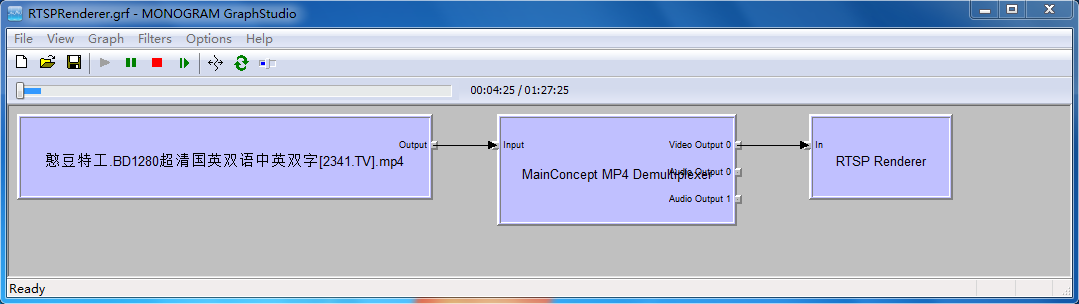
-- a directshow renderer filter(a renderer wrapper of RTSPLive.dll), which can be registered and used as the following screenshot shows. -
UTE (dll)
-- UTE stands for Unified Transport Entry, which is a wrapper of ASIO(http://think-async.com/), this is our network library and it provides TCP/UDP transmissions. -
XUtil (lib)
-- some utils such as locks and threads ...
use of RTSPRenderer.dll:
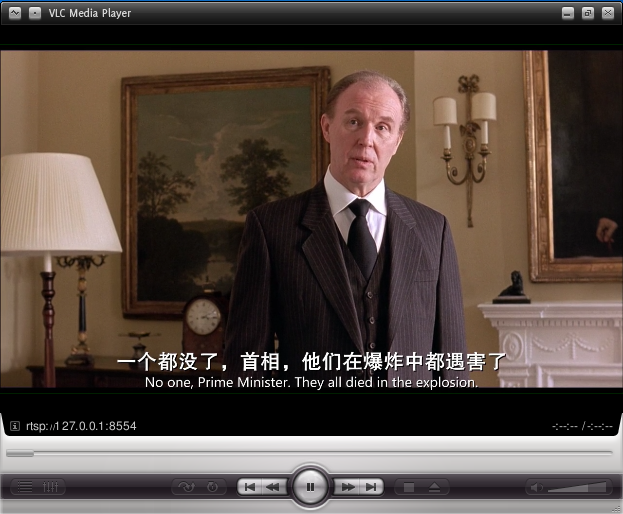
 you can access the stream from either a vlc player:
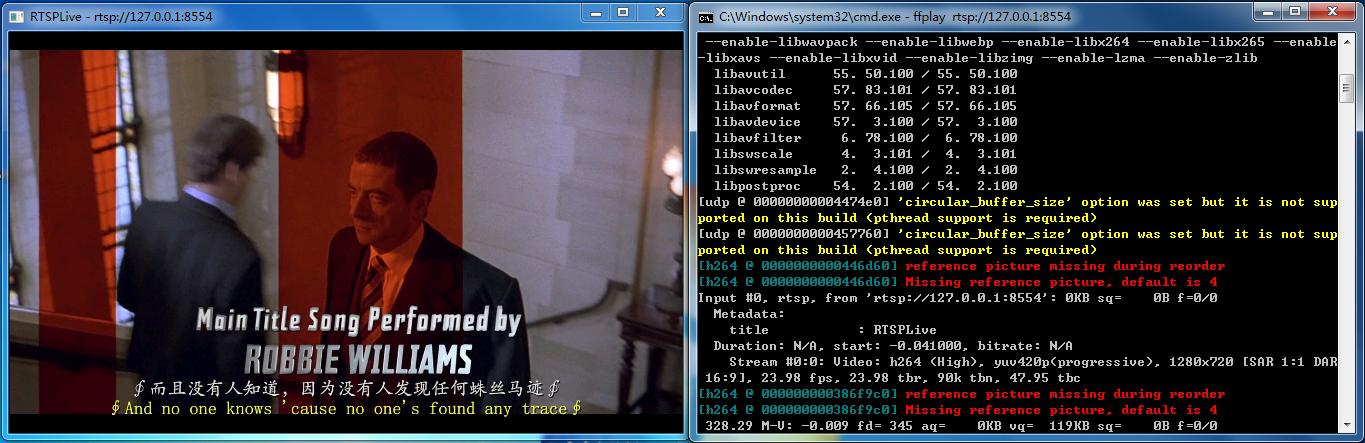
or ffplay:
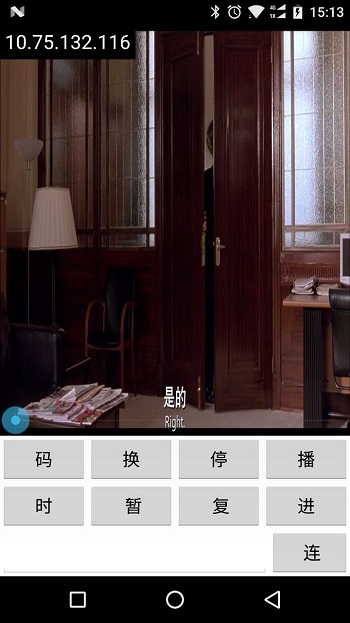
or any player on your mobile devices that support RTSP protocol:
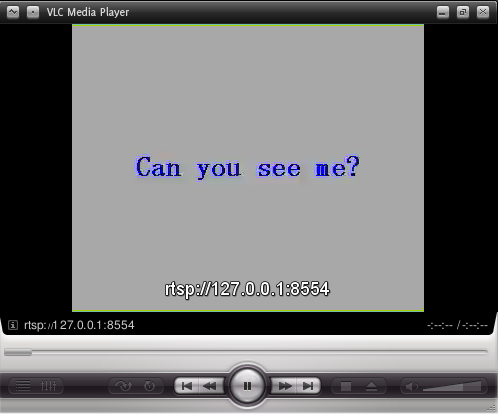
and, this is the CLI project stream(played by vlc):
RTSPLive is developed on VS2015 (win7 64bit)
I only configured the debug(x86) solution, nothing else is tested...
RTSPRenderer.dll is a dshow render filter, to build it you need to:
-
build dshow baseclasses(which is incorporated in the windows SDK).(note: on win10 no dshow header files are provided on the windows 10 sdk, you need to install win7 sdk to get them)
-
specify the include and library path to dshow for project 'RTSPRenderer'.
-
register the filter by running command 'regsvr32' on the windows command shell(you'd better write a 'bat' file and run the file in 'Administrator mode').
-
open GraphStudio.exe (http://blog.monogram.sk/janos/tools/monogram-graphstudio/) and insert a media file source filter that contains a H264 stream, and a demuxer, and our renderer named "RTSP Renderer".
-
run the graph, and now the server is streaming the file.
RTSPRenderer is the only project that depends on the OS(windows), because it is a dshow filter :), other projects should be OS independent.(you may need to install an additional filter 'mcmp4demux.ax' to demux a mp4 file)
UTE is the only project that has dependency on other open-source project(ASIO), which has already been included in the solution(no need to download ASIO).
if you have any questions about RTSPLive, please let me known at: pengzhao218@126.com
client disconnection detection & RTCP & more RTSP commands & UDP optimization for multiplayers & more codecs ...