| output | github_document |
|---|



AutoDeskR is an R package that provides an interface to the:
- Authentication API — obtain OAuth2 tokens with expiry tracking via the
aps_tokenclass. - Data Management API — manage buckets and objects across the platform's cloud services.
- Design Automation API — run automated tasks on design files in the cloud.
- Model Derivative API — translate design files into SVF, SVF2, OBJ, and STL formats and extract model data.
- Reality Capture API — generate 3D models from photogrammetry image sets.
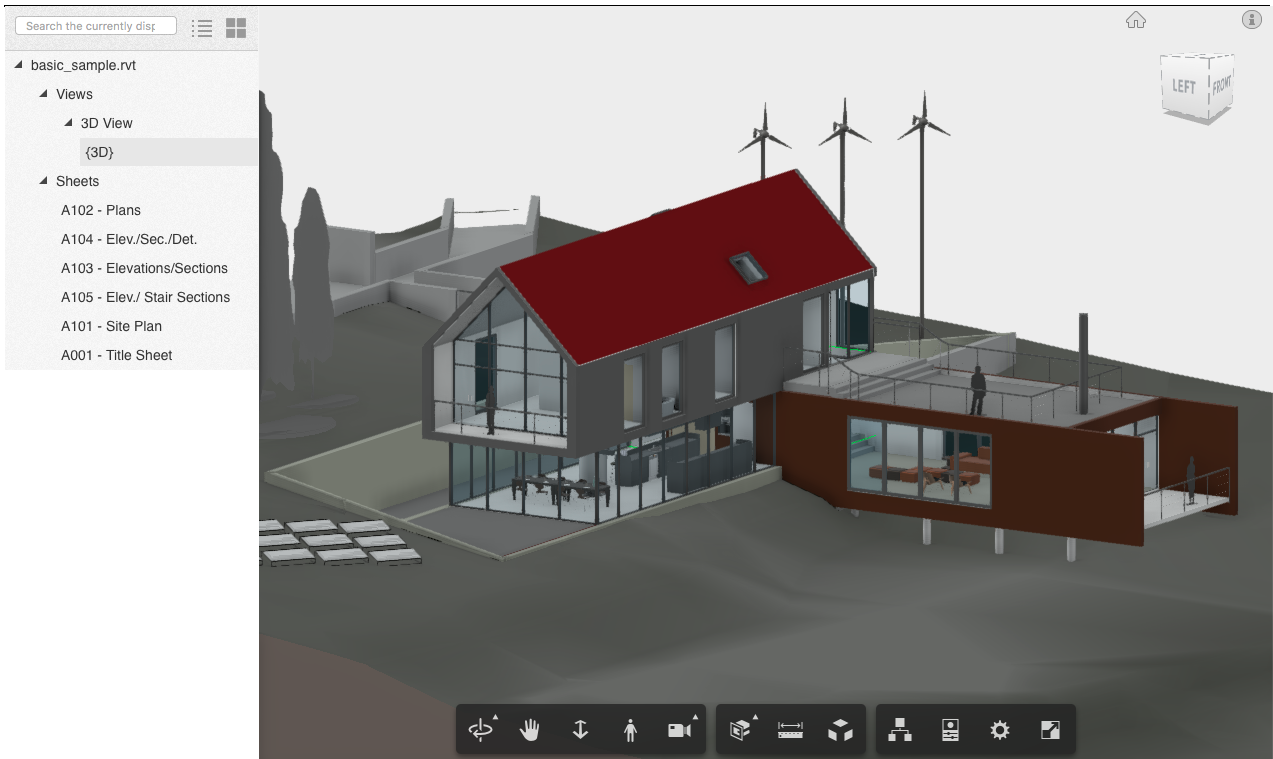
- Viewer — render 2D and 3D models in Shiny applications.
- MCP Tools — expose AutoDeskR functions to AI models via the Model Context Protocol using
ellmerandmcptools.
Learn more in the Companion Book.
To install AutoDeskR in R:
install.packages("AutoDeskR")Or to install the development version:
devtools::install_github("paulgovan/AutoDeskR")library(AutoDeskR)
# 1. Authenticate
tok <- getToken(id = Sys.getenv("APS_CLIENT_ID"), secret = Sys.getenv("APS_CLIENT_SECRET"))
is_expired(tok) # FALSE
# 2. Upload a file
makeBucket(token = tok, bucket = "mybucket")
uploadFile(file = "aerial.dwg", token = tok, bucket = "mybucket")
# 3. Translate and wait
resp <- translateSvf2(urn = myEncodedUrn, token = tok)
done <- waitForFile(urn = myEncodedUrn, token = tok)
# 4. Tidy output (requires tibble)
library(tibble)
listBuckets(token = tok) |> as_tibble()AutoDeskR exposes its functions to AI models via the Model Context Protocol (MCP). Use autodeskr_mcp_tools() to start an MCP server that AI assistants can call directly — no token argument required; credentials are read from the APS_CLIENT_ID and APS_CLIENT_SECRET environment variables.
# Requires the ellmer and mcptools packages
install.packages(c("ellmer", "mcptools"))

Sys.setenv(APS_CLIENT_ID = "your_id", APS_CLIENT_SECRET = "your_secret")
tools <- autodeskr_mcp_tools()
mcptools::mcp_server(tools = tools)
The server exposes tools for all five APIs: Authentication, Data Management, Model Derivative, Design Automation, and Reality Capture.
Please note that the AutoDeskR project is released with a Contributor Code of Conduct. By contributing to this project, you agree to abide by its terms.
Many thanks to the developers at AutoDesk for providing this great set of tools and for the support needed to learn and implement these APIs.