Conversation


| float dirtIntensity = materialParams.bloom.z; | ||
| vec3 dirt = textureLod(materialParams_dirtBuffer, uv, 0.0).rgb; | ||
| result *= dirt * dirtIntensity; | ||
| result *= 1.0 + dirt * dirtIntensity; |

There was a problem hiding this comment.
You're basically changing whether the dirt texture modulates the base or adds to it. I can see both being useful, but imho, it's more logical that it would modulate it. Regardless, we could support both easily:
| result *= 1.0 + dirt * dirtIntensity; | |
| result *= dirtIntensity.y + dirt * dirtIntensity.x; |
by default it could do the same thing as before, so we don't break existing apps that might be using it.
There was a problem hiding this comment.
I don't think the dirt mask is supposed to act as a filter for where the bloom passes through or not. I think it makes more sense that the dirt mask brightens the bloom effect in certain areas, since the final image should show bloom + lens dirt, not just bloom passing through only where there's dirt on the lens.
Agreed about the existing app breakage though. I'll change it to a base factor + dirt factor.

There was a problem hiding this comment.
It's good to have both options for artistic intent, but in theory the dirt mask shouldn't add energy to the system (unless you'd account for internal reflection/GI inside the lens I guess).
There was a problem hiding this comment.
As @romainguy pointed out your solution adds energy; I'm okay with supporting it as long as it's not the default and is there for "artistic control".
There was a problem hiding this comment.
I just realized that the screenshot I put in this PR is misleading, since at the time I was messing around with bloom a bit and accidentally broke it (which in turn made the lens dirt really weak in both cases). I'm unfortunately going to be out of town for another few weeks before I can look at it again, but when I get back I'll make proper before/after screenshots, and make it an optional setting.


|
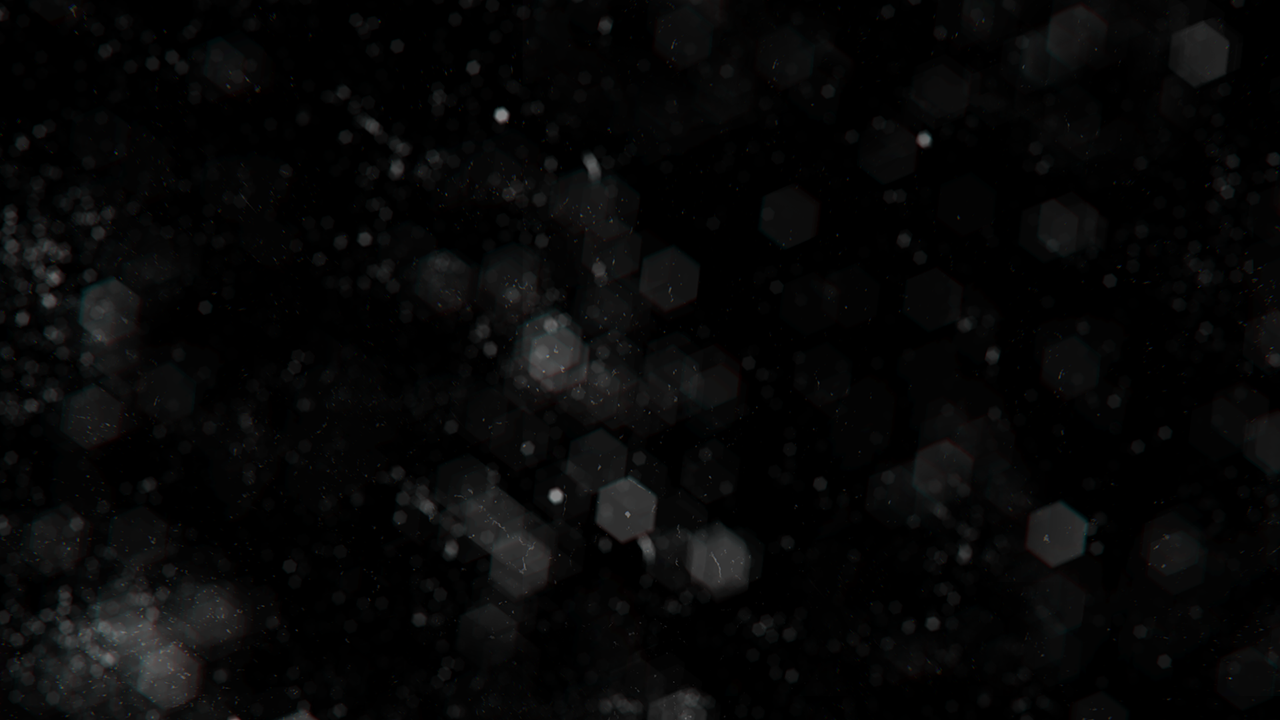
Here is the old lens dirt behavior. Threshold off, lens flare enabled, yet there's hardly any lens flare visible because it gets masked out and only becomes visible where there is any lens dirt. The same applies to the bloom. Any light bleeding from the bloom effect disappears. All on top of the lens dirt being extremely weak. Here is the new behavior. As can be seen, we get bloom, lens flares, and lens dirt, and of course the proper light bleeding onto the helmet. For all the screenshots, I have set the dirt strength to 5.0f to make the effect more visible. At the default 0.2 you don't see much (or even anything at all), but this might be because the lens dirt example texture that I used has very low intensity values. I am therefore strongly convinced that the UE formula is the way to go, and I find it hard to believe that anyone is reliant on the current behavior. I see this more as a bugfix than simply a different approach to compositing lens dirt. This is the lens dirt texture used: Btw, I used copilot to add a hotkey toggle to switch between the old and new versions. If you want to try and verify this yourself, it should be able to do this in one prompt in a few seconds. |



|
The dirt mask should not eliminate the blur but the dirt layer adding energy does not make sense to me. |
You could make the case that it should subtract from the bloom effect instead since the dirt should block light from entering the lens, though I suspect that having the final imagine being darkened where there's dirt is just going to look weird. but the current |

ok, so maybe we should do but that would invert what the current dirtTexture is. So it should actually be It looks like the convention for dirt textures is 1 means "no dirt", 0 means "dirt" -- so it's more like a "how much does the light passes through" texture. You're right that with the existing code, setting dirtIntensity to 0, would means "full dirt". I think |
3 participants


Currently, any lens dirt texture is going to completely kill the bloom to be only visible wherever the dirt texture isn't black, and even then you have to crank up the dirt strength to be way higher than 0.2 to see it (for most lens dirt textures found online). The fix is to make the dirt a semi-additive effect.
This same formula can be found in Unreal Engine.
See this comment #10127 (comment) for before/after screenshots