
A PS5 ELF payload that enables the Welcome Hub.
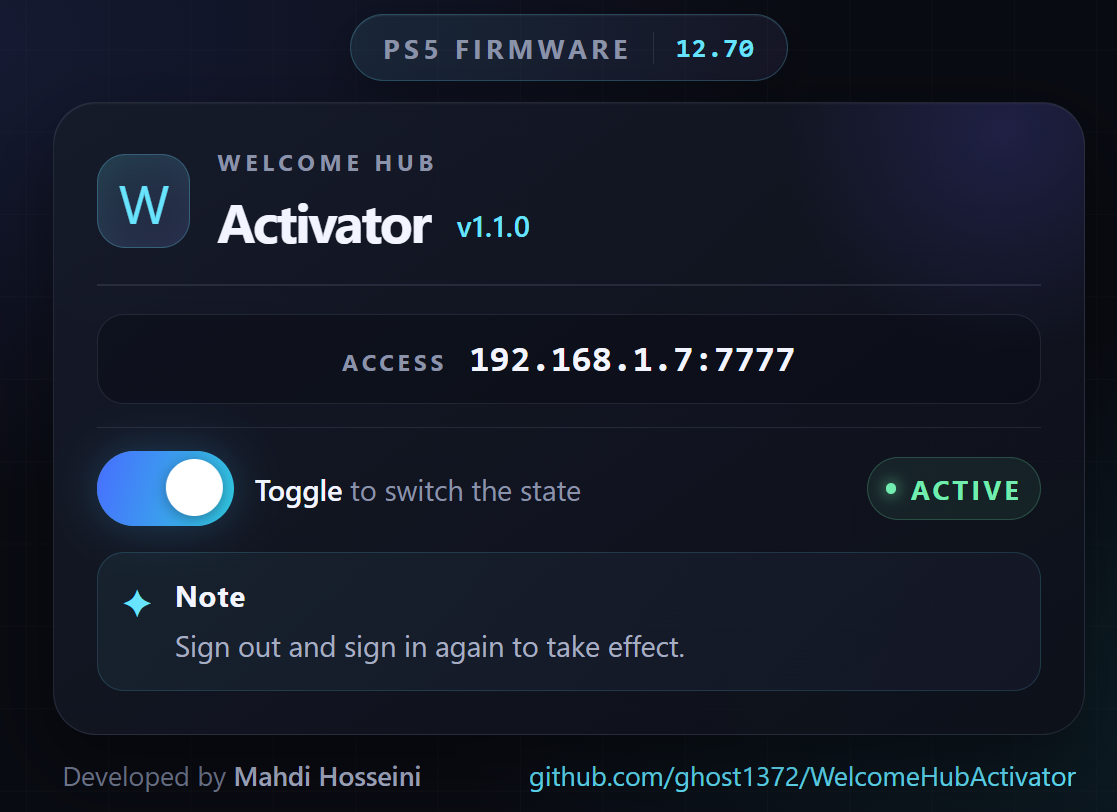
- A PS5 payload loader capable of running this ELF and a console running supported firmware
10.00–13.60. - You need to perform fake account activation and fake sign-in beforehand. You can use ProsperoManager to complete both steps.
Important
This payload supports PS5 firmware 10.00–13.60. Welcome Hub was introduced in firmware 10.00+, so it is not available on firmware versions below 10.00. Therefore, the Welcome Hub cannot be activated on those versions.
Warning
If Welcome Hub fails to activate, your console may need a System Feature Update. This is different from a regular System Software Update.
- Disable automatic downloads and installation of system software updates.
- Connect your console to the internet.
- Check for available System Feature Updates and install them if necessary.
- Important: Make sure you do not download or install a regular System Software Update, as this may update your console's firmware.
- Download the latest
WelcomeHubActivator.elffrom the GitHub Releases page. - Send the ELF to your PS5 using Payload Sender or payload manager payload.
- Wait for the Welcome Hub activated confirmation message.
- Sign out of your account and sign in again to see the changes.
Note
You need Linux, but You can use Windows and WSL2 to compile this project.
-
Install or prepare the PS5 Payload SDK.
-
From the project directory, run:
make
The output is WelcomeHubActivator.elf.
Tip
Creates a backup of /system_data/priv/mms/app.db at /system_data/priv/mms/app.bckdb before making any modifications, allowing the original database to be restored if anything goes wrong.
Tip
You only need to inject the payload once. After activation, the changes persist even if you restart or shut down your PS5. You don’t need to run the payload again.
Warning
The images are just photos from Google. Online features won't be available until you sign in to PSN. Only the Storage, Controller, Trophy, and Animated Background widgets work offline.

