



Arklex Agent First Organization provides a framework for developing AI Agents to complete complex tasks powered by LLMs. The framework is designed to be modular and extensible, allowing developers to customize workers/tools that can interact with each other in a variety of ways under the supervision of the orchestrator managed by Taskgraph.
Please see Open Source for full documentation, which includes:
- Introduction: Overview of the Arklex AI agent framework and structure of the docs.
- Tutorials: If you're looking to build a customer service agent or booking service bot, check out our tutorials. This is the best place to get started.
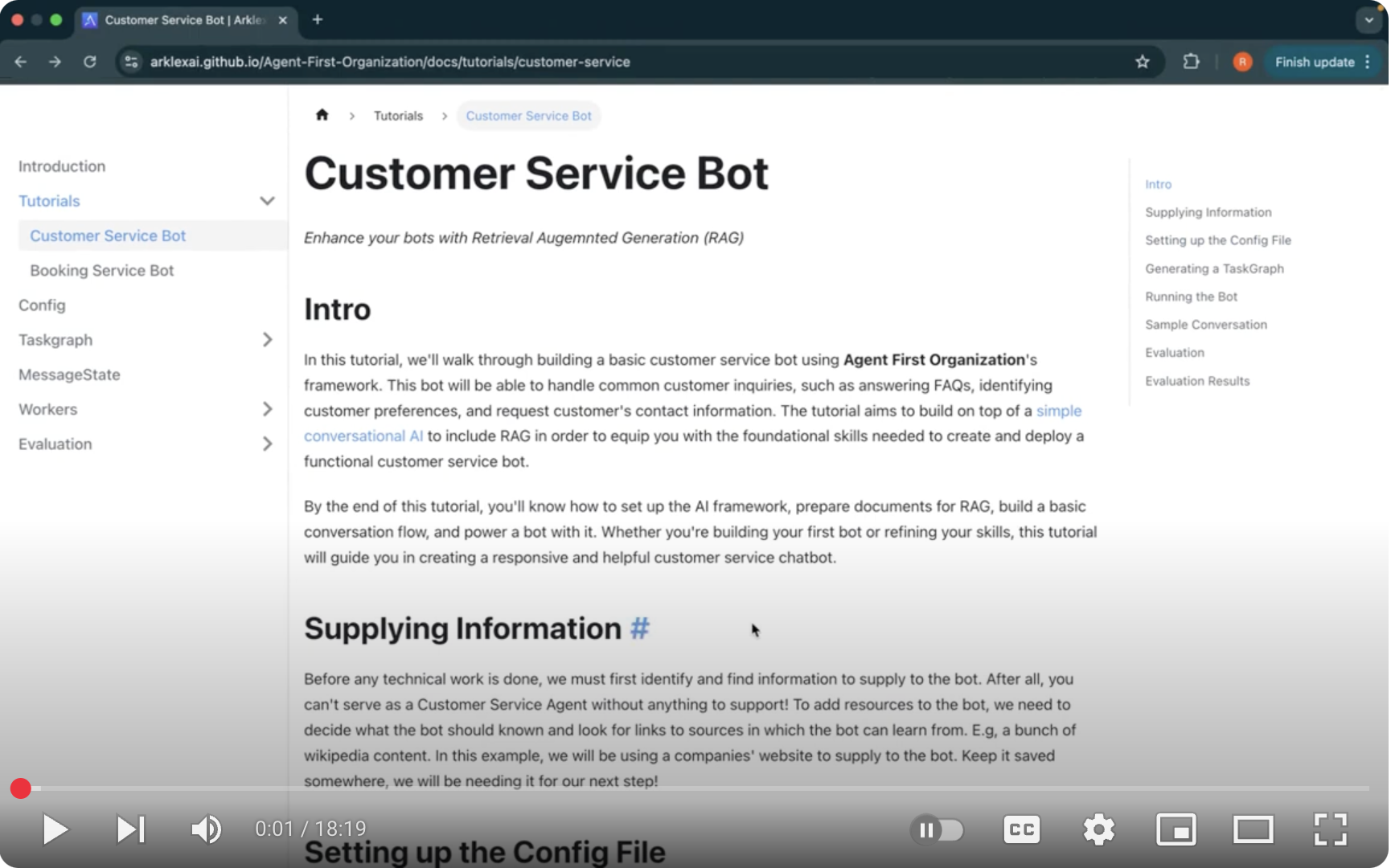
pip install arklexWatch the tutorial on YouTube to learn how to build a customer service AI agent with Arklex.AI in just 20 minutes.
-
Create a
.envfile in the root directory with the following information:OPENAI_API_KEY=<your-openai-api-key> GEMINI_API_KEY = <your-gemini-api-key> GOOGLE_API_KEY = <your-gemini-api-key> ANTHROPIC_API_KEY = <your-anthropic-api-key> HUGGINGFACE_API_KEY = <your-huggingface-api-key> MISTRAL_API_KEY = <your-mistral-api-key> LANGCHAIN_TRACING_V2=false LANGCHAIN_PROJECT=AgentOrg LANGCHAIN_API_KEY=<your-langchain-api-key> TAVILY_API_KEY=<your-tavily-api-key> MYSQL_USERNAME=<your-mysql-db-username> MYSQL_PASSWORD=<your-mysql-db-password> MYSQL_HOSTNAME=<your-mysql-db-hostname> MYSQL_PORT=<your-mysql-db-port> MYSQL_DB_NAME=<your-mysql-db-name> MYSQL_CONNECTION_TIMEOUT=<your-mysql-db-timeout> MILVUS_URI=<your-milvus-db-uri>
-
Enable LangSmith tracing (LANGCHAIN_TRACING_V2=true) for debugging (optional).
- Create a chatbot config file similar to
customer_service_config.json. - Define chatbot parameters, including role, objectives, domain, introduction, and relevant documents.
- Specify tasks, workers, and tools to enhance chatbot functionality.
- Workers and tools should be pre-defined in arklex/env/workers and arklex/env/tools, respectively.
The following
--output-dir,--input-dirand--documents_dircan be the same directory to save the generated files and the chatbot will use the generated files to run. E.g--output-dir ./example/customer_service. The following commands take customer_service chatbot as an example.
python create.py --config ./examples/customer_service/customer_service_config.json --output-dir ./examples/customer_service-
Fields:
--config: The path to the config file--output-dir: The directory to save the generated files--llm_provider: The LLM provider you wish to use.- Options:
openai(default),gemini,anthropic
- Options:
--model: The model type used to generate the taskgraph. The default isgpt-4o.- You can change this to other models like:
gpt-4o-minigemini-2.0-flashclaude-3-5-haiku-20241022
- You can change this to other models like:
-
It will first generate a task plan based on the config file and you could modify it in an interactive way from the command line. Made the necessary changes and press
sto save the task plan underoutput-dirfolder and continue the task graph generation process. -
Then it will generate the task graph based on the task plan and save it under
output-dirfolder as well. -
It will also initialize the Workers listed in the config file to prepare the documents needed by each worker. The function
init_worker(args)is customizable based on the workers you defined. Currently, it will automatically build theRAGWorkerand theDataBaseWorkerby using the functionbuild_rag()andbuild_database()respectively. The needed documents will be saved under theoutput-dirfolder.
python run.py --input-dir ./examples/customer_service-
Fields:
--input-dir: The directory that contains the generated files--llm_provider: The LLM provider you wish to use.- Options:
openai(default),gemini,anthropic
- Options:
--model: The model type used to generate bot response. The default isgpt-4o.- You can change this to other models like:
gpt-4o-minigemini-2.0-flashclaude-3-5-haiku-20241022
- You can change this to other models like:
-
It will first automatically start the nluapi and slotapi services through
start_apis()function. By default, this will start theNLUModelAPIandSlotFillModelAPIservices defined under./arklex/orchestrator/NLU/api.pyfile. You could customize the function based on the nlu and slot models you trained. -
Then it will start the agent and you could chat with the agent
-
First, create api for the previous chatbot you built. It will start an api on the default port 8000.
python model_api.py --input-dir ./examples/customer_service
- Fields:
--input-dir: The directory that contains the generated files--llm_provider: The LLM provider you wish to use.- Options:
openai(default),gemini,anthropic
- Options:
--model: The model type used to generate bot response. The default isgpt-4o.- You can change this to other models like:
gpt-4o-mini,gemini-2.0-flash,claude-3-5-haiku-20241022
- You can change this to other models like:
--port: The port number to start the api. Default is 8000.
- Fields:
-
Then, start the evaluation process:
python eval.py \
--model_api http://127.0.0.1:8000/eval/chat \
--config ./examples/customer_service/customer_service_config.json \
--documents_dir ./examples/customer_service \
--output-dir ./examples/customer_service
-
Fields:
--model_api: The api url that you created in the previous step--config: The path to the config file--documents_dir: The directory that contains the generated files--output-dir: The directory to save the evaluation results--num_convos: Number of synthetic conversations to simulate. Default is 5.--num_goals: Number of goals/tasks to simulate. Default is 5.--max_turns: Maximum number of turns per conversation. Default is 5.--llm_provider: The LLM provider you wish to use.- Options:
openai(default),gemini,anthropic
- Options:
--model: The model type used to generate bot response. The default isgpt-4o.- You can change this to other models like:
gpt-4o-mini,gemini-2.0-flash,claude-3-5-haiku-20241022
- You can change this to other models like:
-
For more details, check out the Evaluation README.
-
A robust API service with comprehensive logging and error handling.
The application uses a centralized logging configuration that provides:
- Structured logging with consistent formatting
- Log rotation with size limits
- Request ID tracking for request tracing
- Context-aware logging with custom filters
- Different log levels (DEBUG, INFO, WARNING, ERROR, CRITICAL) for appropriate verbosity
- Console and file output with customizable formats
- JSON support for machine-readable logs
The application implements a robust error handling system with:
- Custom exception hierarchy with proper inheritance
- Consistent error response format with status codes
- Detailed error messages and context
- Proper error propagation and retry mechanisms
- Request tracking for debugging
- Validation error handling
-
Centralized Logging
- Log files are stored in the
logsdirectory - Log rotation with 10MB size limit and 5 backup files
- Structured logging format with timestamps, log levels, and context
- Request ID and context filters for enhanced traceability
- Customizable log formats and handlers
- Log files are stored in the
-
Request Tracking
- Unique request ID for each request
- Request ID included in response headers
- Request context preserved in logs
- Request timing information
- Retry mechanism for failed requests
-
Error Handling
- Custom exception classes for different error types:
ArklexError: Base exception classAuthenticationError: For authentication failuresValidationError: For input validation errors
- Consistent error response format with:
- Error message
- Error code
- HTTP status code
- Additional details
- Proper error propagation and logging
- Retry mechanism for transient errors
- Custom exception classes for different error types:
-
Middleware
- Request logging middleware with timing
- Error handling middleware with retry support
- CORS middleware
- Request ID generation and tracking
- Context preservation
-
Install dependencies:
pip install -r requirements.txt
-
Set up environment variables:
cp .env.example .env # Edit .env with your configuration -
Run the application:
uvicorn arklex.main:app --reload
-
Run tests:
pytest
For test coverage report:
pytest --cov=arklex --cov-report=html
Once the application is running, you can access:
- API documentation at
/docs - Alternative API documentation at
/redoc
-
Use Appropriate Log Levels
- CRITICAL: For critical errors that require immediate attention
- ERROR: For errors that need attention
- WARNING: For potentially harmful situations
- INFO: For general operational information
- DEBUG: For detailed debugging information
-
Include Context
- Always include relevant context in log messages
- Use structured logging with extra fields
- Include request IDs in log messages
- Add timing information for performance tracking
- Include user and session information when available
-
Error Handling
- Use appropriate exception types
- Include detailed error messages
- Add context to error responses
- Implement proper retry mechanisms
- Log all errors with full context
-
Performance Considerations
- Use appropriate log levels in production
- Implement log rotation
- Consider log aggregation for large deployments
- Monitor log file sizes
- Use async logging when possible
-
Security
- Never log sensitive information
- Sanitize log messages
- Use appropriate log levels for security events
- Implement log access controls
- Monitor for suspicious logging patterns