

- Overview
- Map
- Features
- Tech Stack
- Architecture
- Usage
- For Users <- Users click here!
- Self-Hosting
- Related Projects
- Screenshots <- For gameplay!
- What I Learned
- About Me
This project was created in FlavorTown!
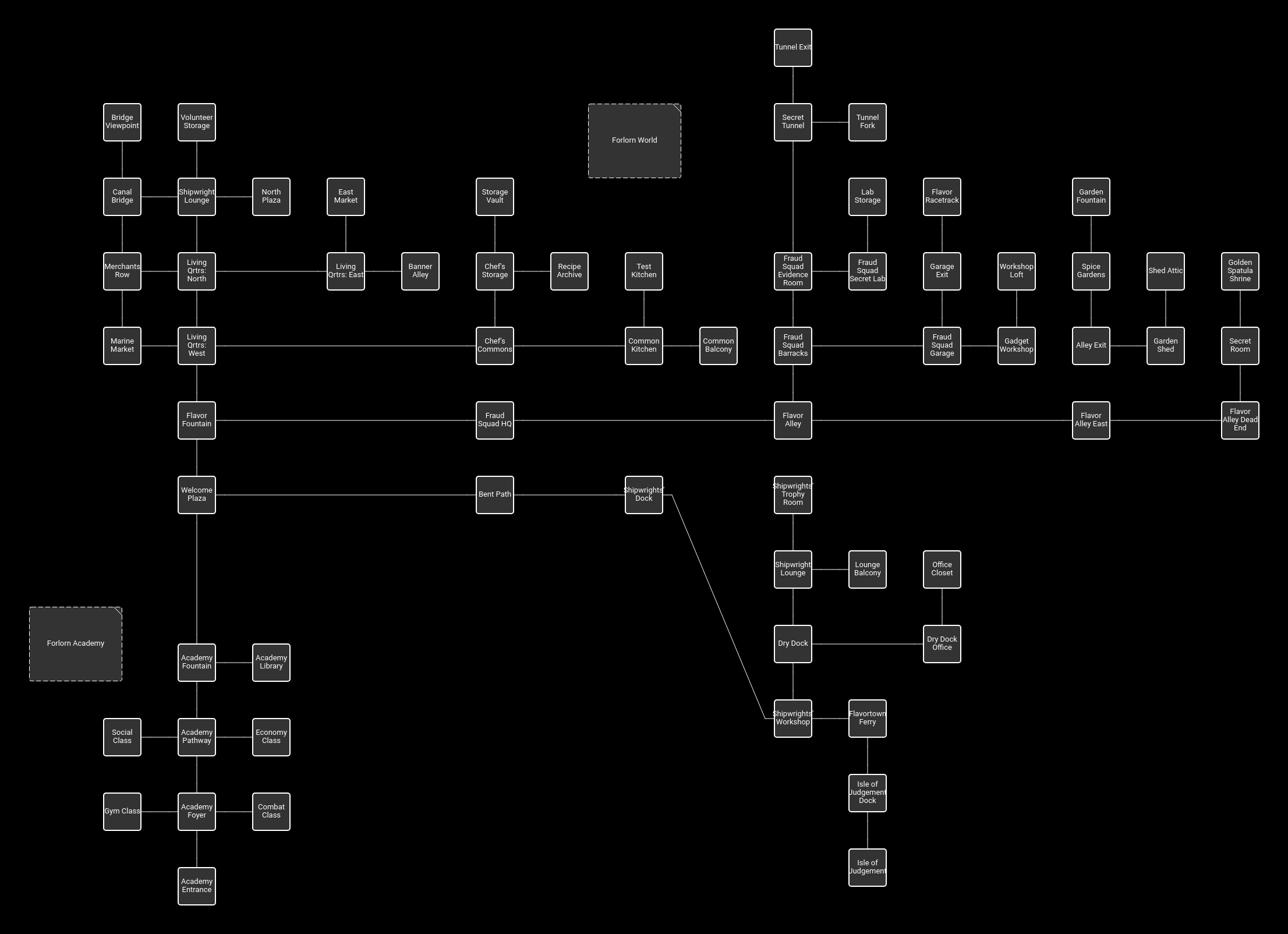
Includes a Flavortown map with over 75 rooms!
Project Highlights:
- Real-time multiplayer MUD engine with web-based and terminal clients!
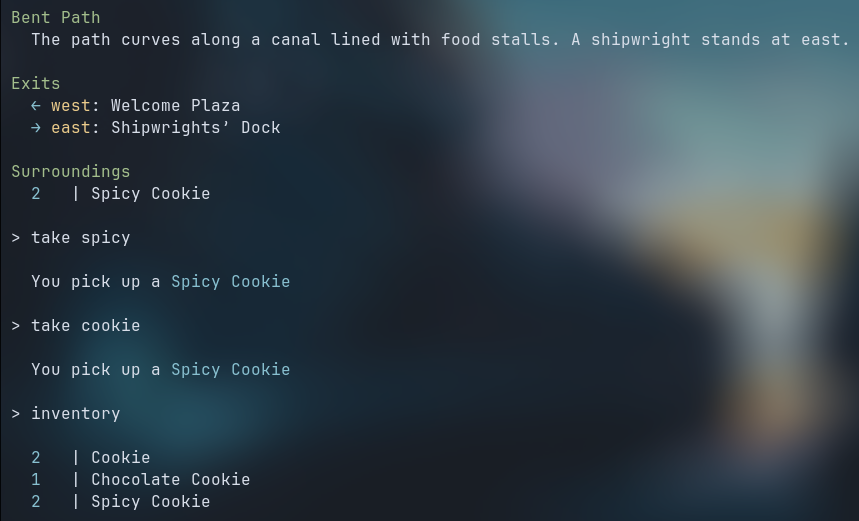
- Dynamic world with entity, item spawners, merchants, and a flexible stats, leveling system!
- Thought out combat mechanics, including PvP, PvE, with looting and leveling!
- Automatic database setup and persistent world state.
- Flexible entity & item system using spawners for dynamic world population.
- Detailed tutorial with a robust NPC system!
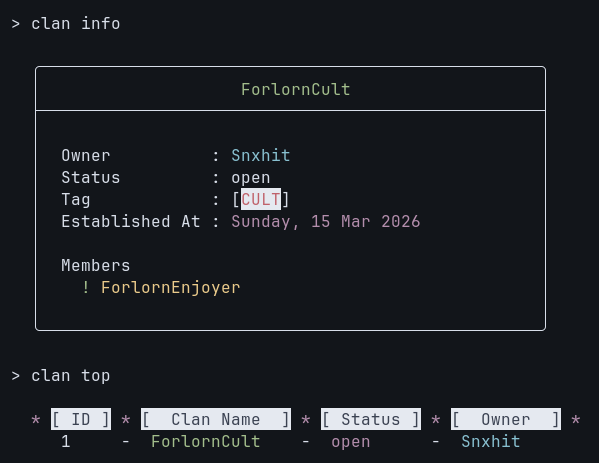
- Clans system to allow players to improve the multiplayer experience.
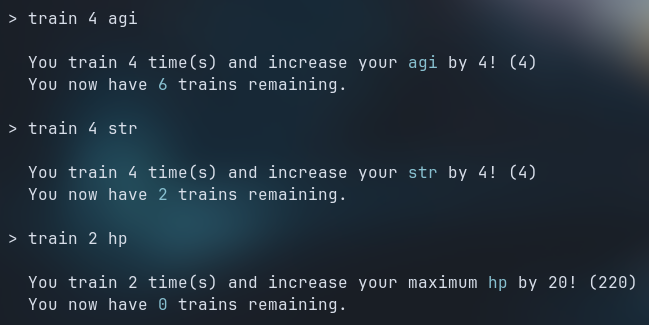
- Stat system for players and entities, including item buffs and modifiers.
- Combat system with scaling, random factors, dodging mechanics, and looting and item drops.
- Merchant entities for buying/selling items, simulating an in-game economy.
- Room-based world navigation with cardinal directions and descriptive areas, like in classic MUDs!
- Persistent player profiles, inventory, and stats.
- Web client and terminal (Netcat/Ncat) support for gameplay.
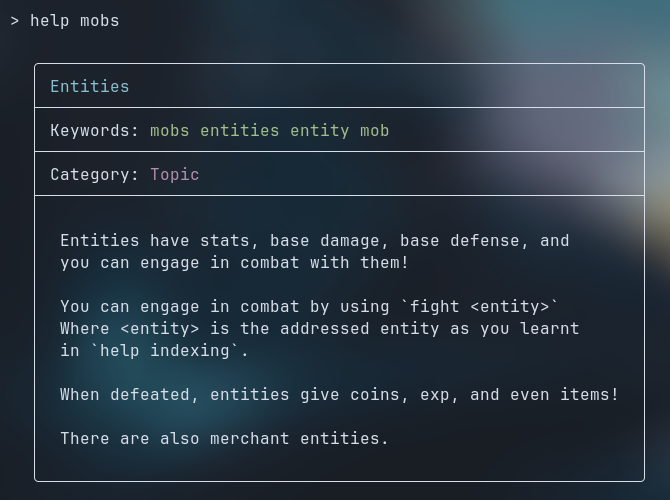
- Helpfile system for in-game tutorials, topics & command documentation.
- PvP combat with coin looting and respawning.
- Periodic world ticks for health regen, spawner management & combat.
- Fully optional colors, beautiful unicodes for a modern terminal look and maximum compatibility!
- Profile, and help cards for enhanced terminal readability!
- Automatic database initialization and world setup on first run (Self-Hosting)
- Engine Written in Golang
- Database SQLite
- Networking TCP for real-time connections (WebSockets for web client)
- UI ASCII art and colored terminal output
- Authentication Username + hashed passwords
- Deployment VPS on Azure
- main.go: Entry point, owns all objects, handles networking, client connections, and world initialization.
- commands.go: Processes player input and executes game logic.
- combat.go: Combat mechanics for PvE and PvP.
- helpfiles.go: Defines, manages and sets up in-game helpfiles.
- ticks.go: Manages periodic world updates.
- utils.go: All sorts of utility functions.
- npcs.go: Stores all NPC scripts, structs, etc.
- clans.go: All the clan logic because commands.go is getting too long
- db.go: Contains loader for loading template dir.
- template/
  - 001_dbschema.sql: The basic schema of db.
  - 002_rooms.sql: Sets up rooms.
  - 003_spawners.sql: Sets up item and entity spawners.
  - 004_items.sql: Sets up items, item modifiers, item effects.
  - 005_entities.sql: Sets up entities and their drops
  - 006_merchants.sql: Sets up merchant entities, merchants table, and their lists.
  - flavortown_map.txt: an AI generated (poor quality) map of the Flavortown map included with the base engine.
Follow these steps to play the instance hosted by Snxhit:
Server status: OFFLINE
-
Web Client
Visit the web client here!
-
Connect
A connection will instantly be established to the server. (If it's online)
-
Login or Register
You will be prompted for a username and a password.
- You may connect to the instance by following the steps mentioned in the Self-Hosting section,
- But, replace Netcat's destination from
localhosttoforlorn.snxhit.me!
- But, replace Netcat's destination from
Tip: For access to UI elements and a better gameplay experience, stick to the web client!
- To get started with the game, use
help newplayerfor a guided tutorial!
If you want to run your own instance, here's how!
- Tested on
Go v1.25.7(If compiling from source) Git v2.50.0+(If compiling from source)
-
Get the binary Download the official released binaries from the releases page,
1.1 Compile from source Follow the below sequence of commands to alternatively compile from source instead of using release binaries.
bash git clone https://github.com/Snxhit/ForlornMUD.git cd ForlornMUD go build . -
Setting up the database
- Launch the
ForlornMUDexecutable that you get from the release or by compiling. - Wait till the console output says that the server successfully started.
- The server, on startup, automatically generates the database.
- Launch the
-
Access your instance
-
Windows:
- Download Ncat from here
- Run
ncat locahost 8899
-
Linux:
- Install Netcat or Ncat from your distro's package manager (apt, pacman, dnf, etc.) if not already installed
- Run
ncat localhost 8899(Trync localhost 8899ifncatdoesn't work.)
-
MacOS:
- Usually, netcat is preinstalled on most MacOS systems
- Run
nc localhost 8899
-
-
Customizing your instance
- You start with the Flavortown map template, which includes a huge area, but not many entities and items.
- You can customize anything to you want, add new items, entities, effects, spawners, rooms, et cetera.
- After you're done customizing:
- Delete
game.dband, - Run the server once again,
- Viola!
- Delete
- You now have your very own customized instance of ForlornMUD!
Support for custom instances on the web client is a work in progress!
Consider deploying your instance on a VPS instead of port forwarding locally, or use free tunnels! (Cloudflared Tunnel or Pinggy)
-
ForlornClientWeb
A web-based client for ForlornMUD, built with xterm.js for a modern MUD experience by implementing reactive UI!
It connects to the game via WebSockets, making it accessible from any browser. -
ForlornWebsocketBridge
A bridge that translates WebSocket connections from the web client into TCP connections for the MUD server.
This enables playing from the browser without requiring direct TCP support.
- Preview
ForlornPreview1.mp4
Sorry for the bad quality.
-
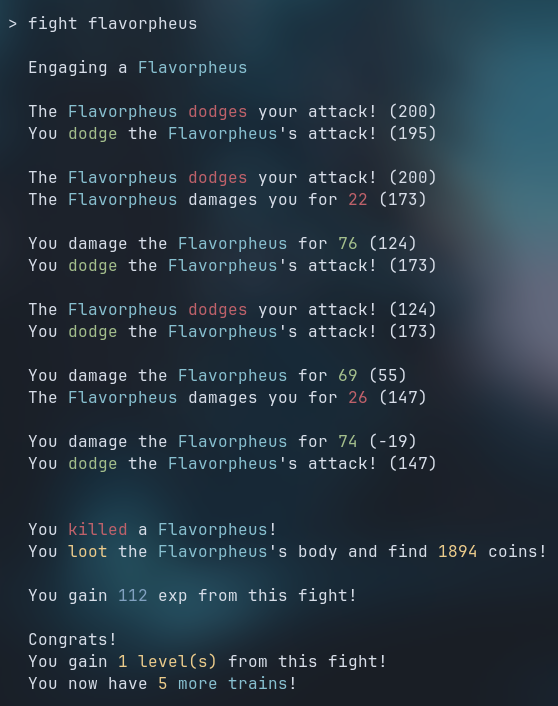
Combat system
Item drops, coins, exp, levels, and more!
Defeat, respawning system -
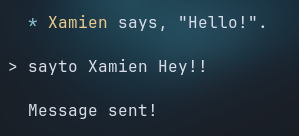
Messaging system
You can message players in game! -
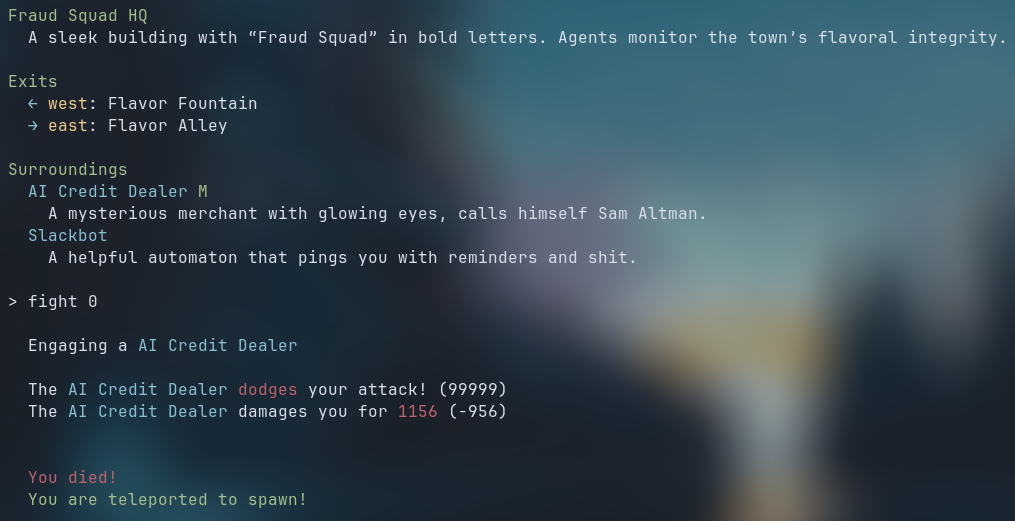
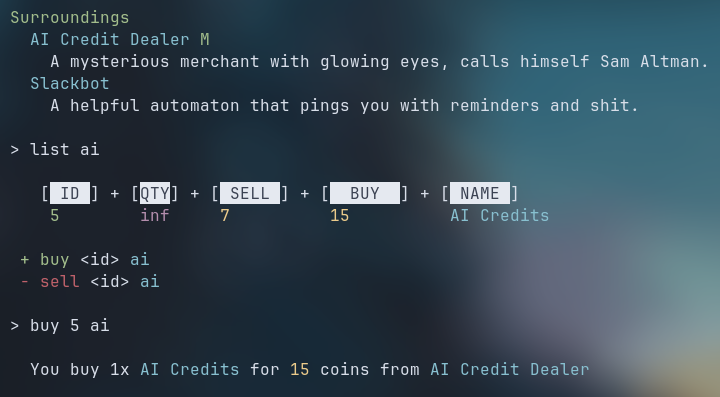
Merchants
Listing, buying and selling
Uselist <keyword>if you see a mob with a green "M" next to their name! -
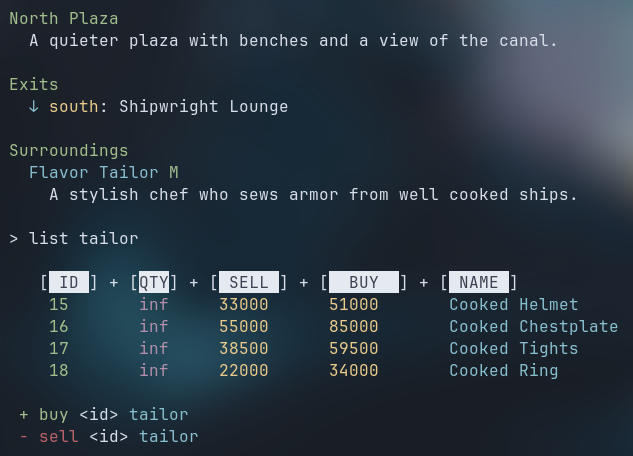
Collectable armor sets
This is an end-game armor set! -
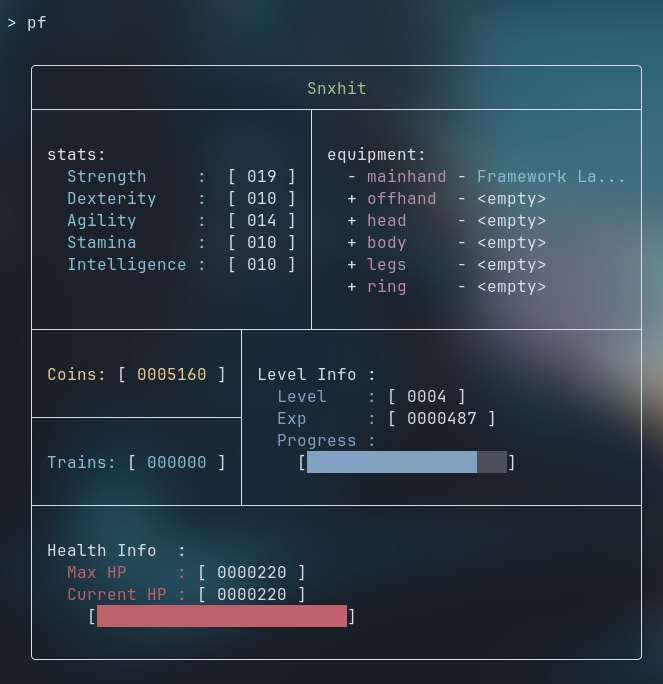
Profile
-
World exploration
-
Training system
-
Clan system
Get a clan list, clan rankings! -
In-Game Help
The game has a built inhelpcommand that shows detailed information about any topic or command!
Building this project taught me quite a lot:
- Golang: This was my first time using Go, and I loved it!
- SQL: Although it was long overdue, I finally learnt SQL and DBMS from scratch!
- Managing time working on projects because this time it actually mattered.
- Managing larger codebases than I'm used to.
- Structuring servers like this with a lot of reusable logic (Learnt this the hard way.)
- Although I tried my best to write good quality code, I still see a lot of design choices biting me. So, I also learned what NOT to do!
- A lot about concurrency and using goroutines with Go!
- Actually learning how to write READMEs and details.
- Properly using a VCS!
- Working on something till I'm satisfied with it.
- Managing scope creep.
- Keeping track of work status instead of winging it and working on whatever, whenever.
- Building consistent and efficient work habits.
Snxhit
I'm passionate about building interactive multiplayer games and learning new languages.
ForlornMUD is my very first major Go project (There will definitely be more!), and it reflects my love for simulated economies, text based multiplayer games alike!
- GitHub: @Snxhit
- LinkedIn: Snxhit (Unavailable for now)
- Email: developer@snxhit.me
Version: v0.2.1
Latest Release Version: v0.2.1
Time Spent: 129 Hours 56 Minutes
Status: Actively developed, not stable yet!
Made with ❤️
If you found this project interesting, consider giving it a star :D