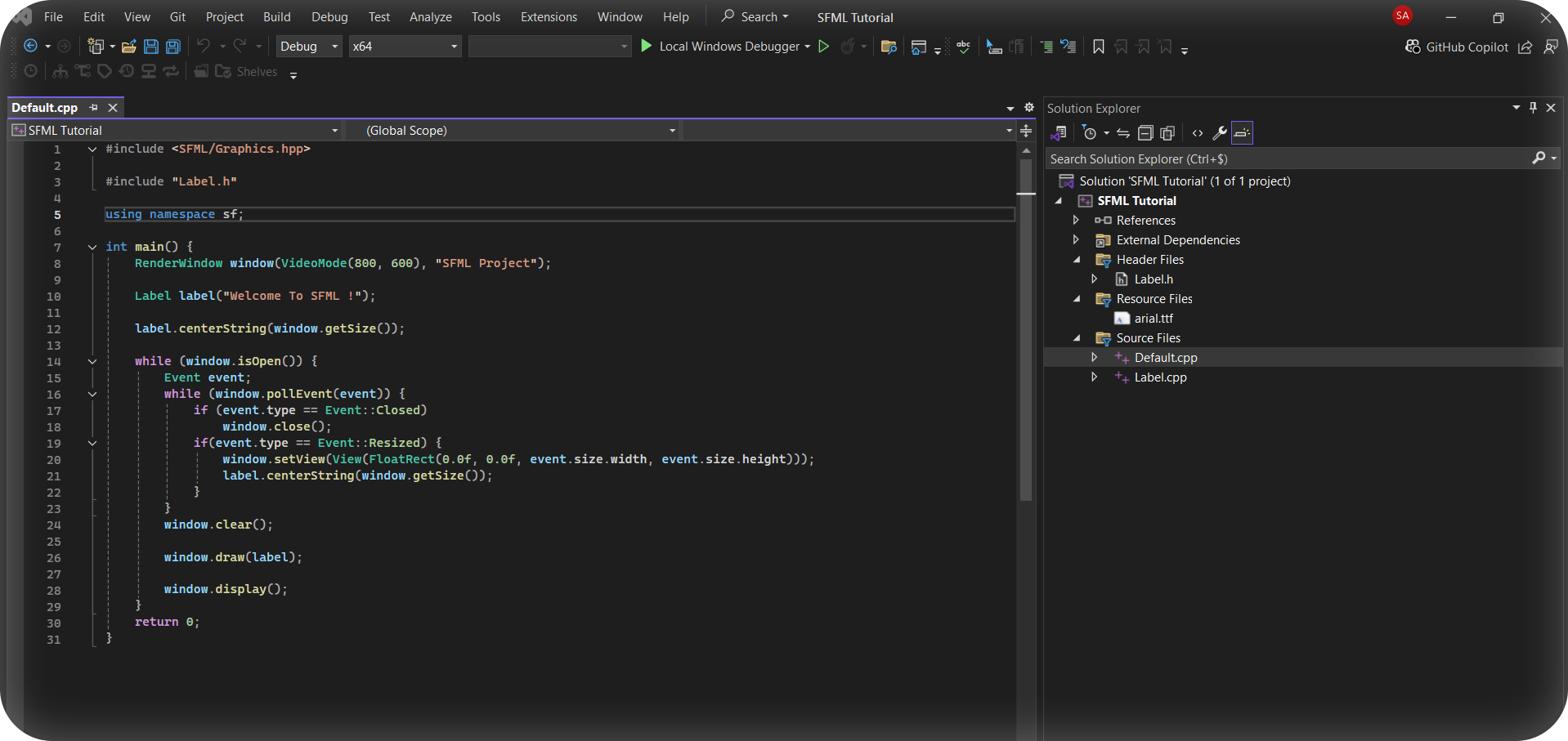


Ever wanted to start working with SFML but found the manual installation, linking, or using a package manager tedious?
Don’t worry, we’ve got you covered!
The SFML Installer provides a fully automated solution for setting up SFML with Visual Studio 2022. It handles everything from installing the library to setting up a pre-configured project template, so you can get started quickly and easily! :)
Here’s a step-by-step guide to getting started with the SFML installer.
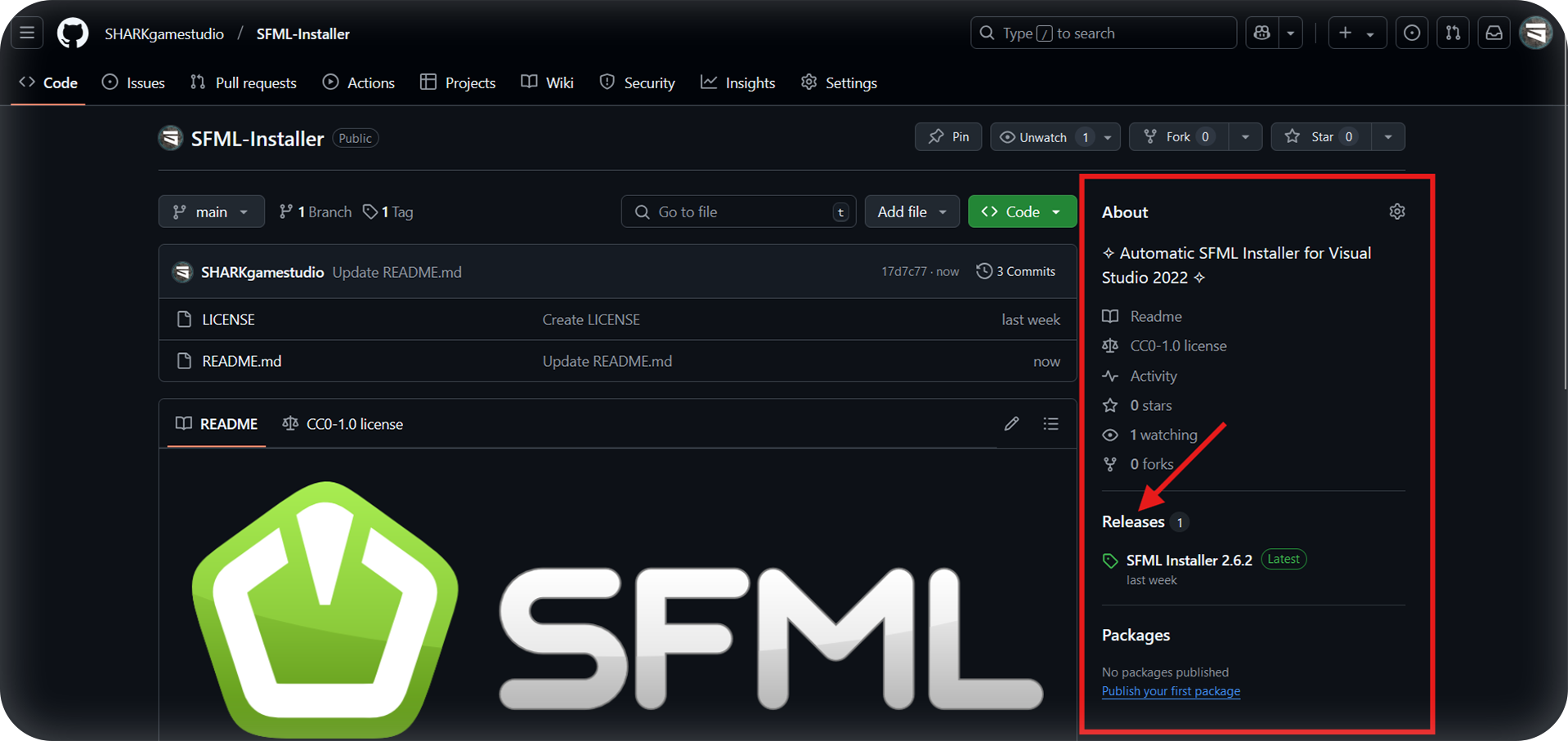
- First, head to the
releasessection of this github repository.
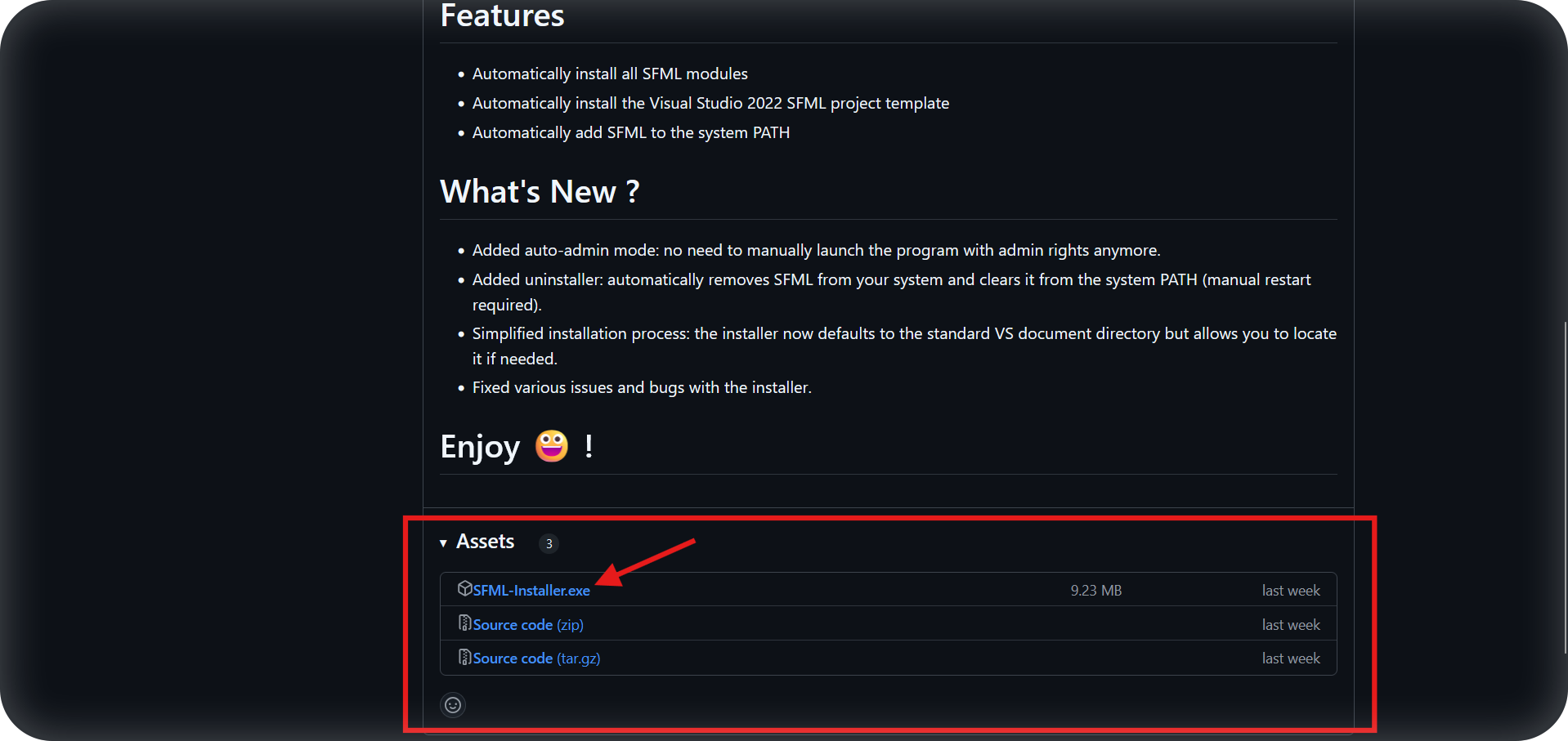
- Next, download the
SFML-Installer.exefile from the latest release under theAssetssection.
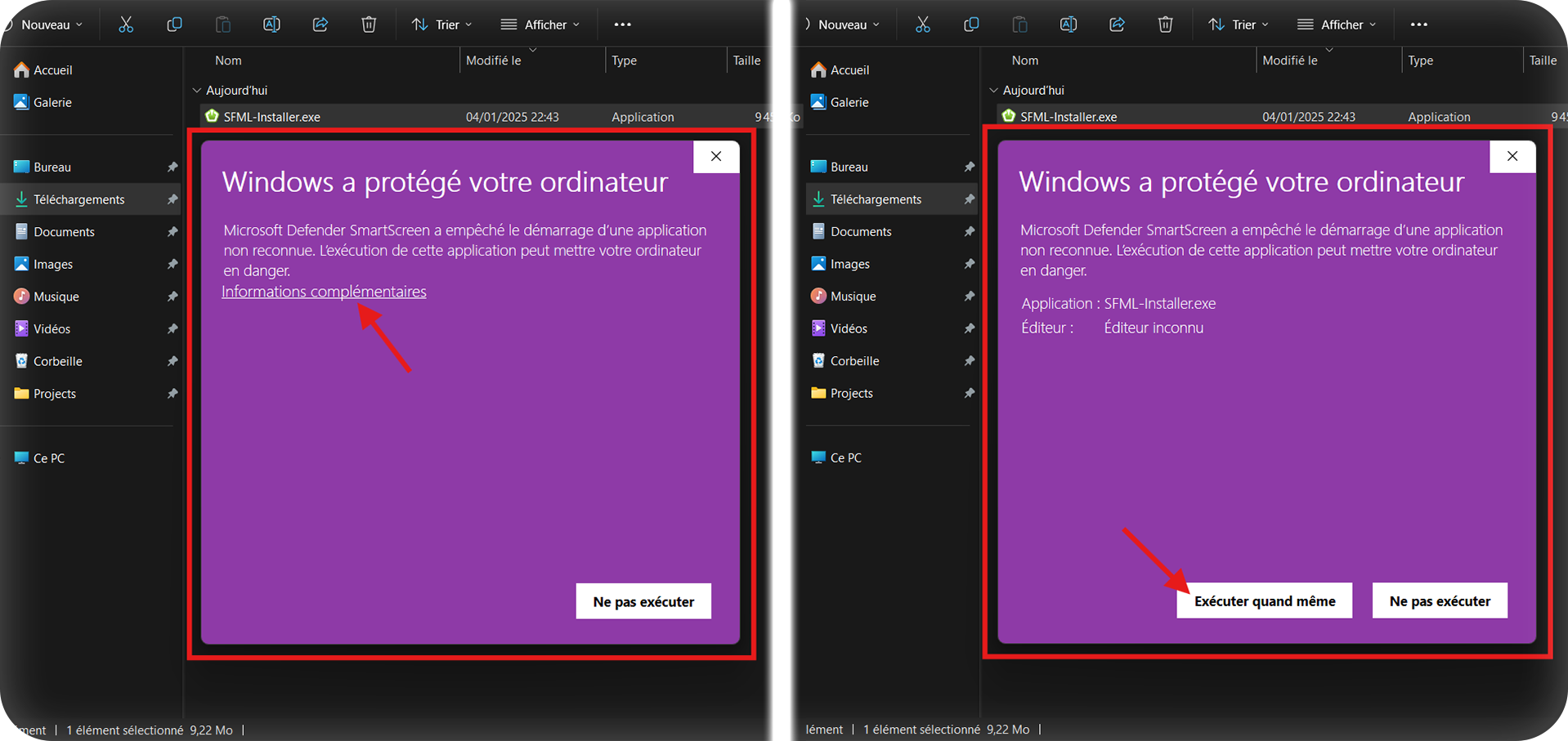
- Run the exe. SmartScreen may warn it's dangerous, but it's not—I just can't afford a Microsoft certificate.
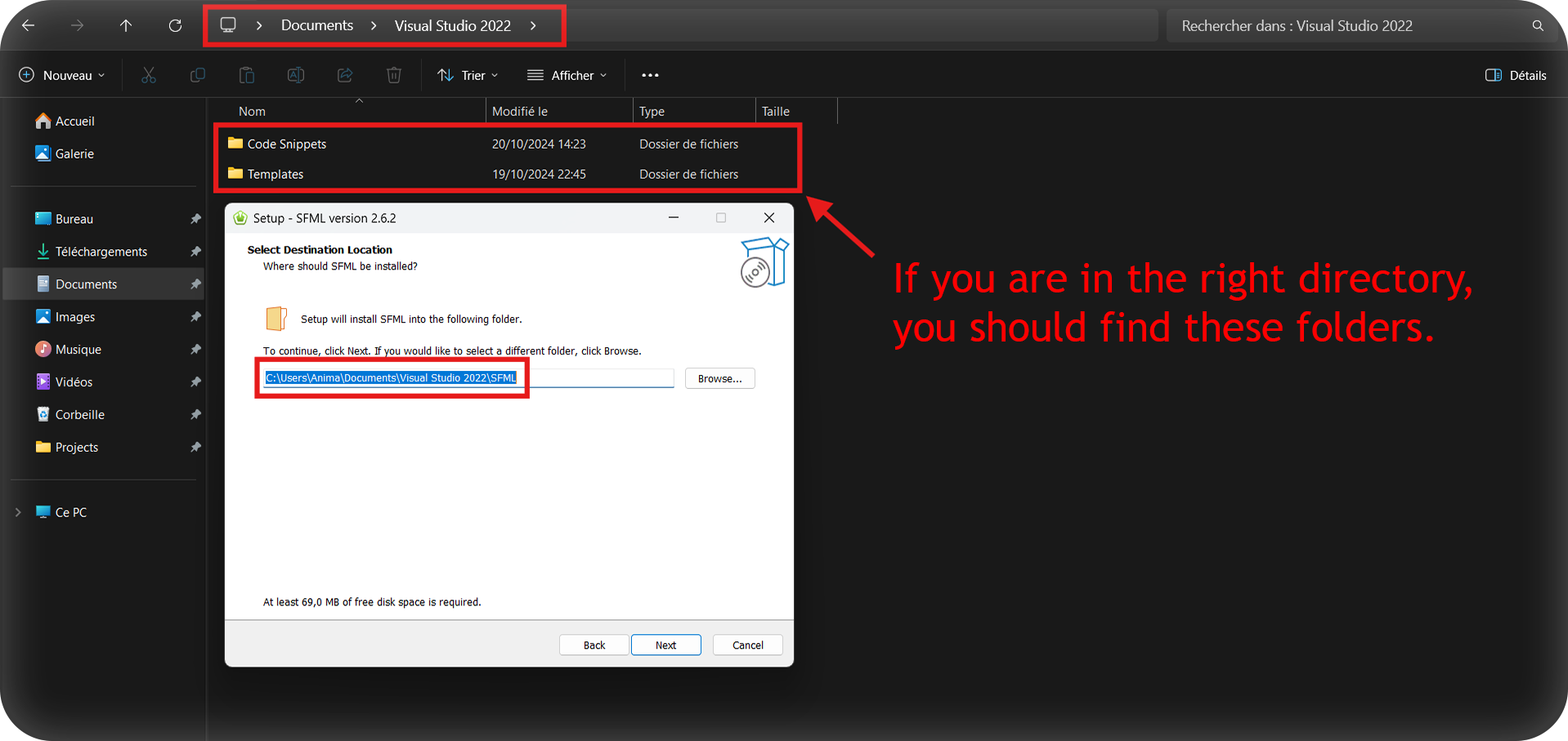
- Follow the installation process and ensure the path is inside your
visual studio documentsdirectory.
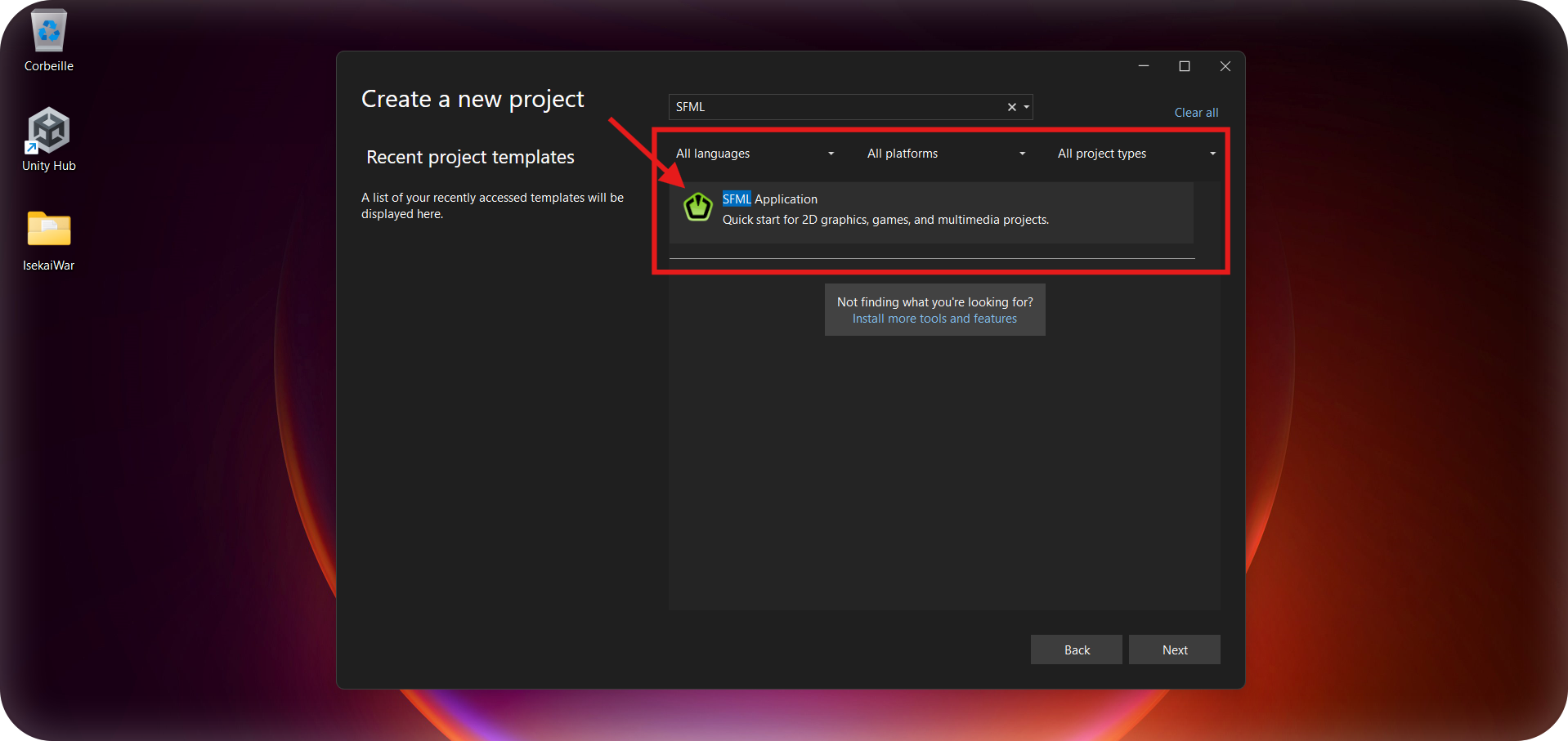
- When creating a new project, you should now find a Visual Studio project template named
SFML Application.
- That's it! Now, enjoy your freshly created project! :)