




A zero-trust, cyberpunk-inspired cloud notebook built for developers using shared computers.
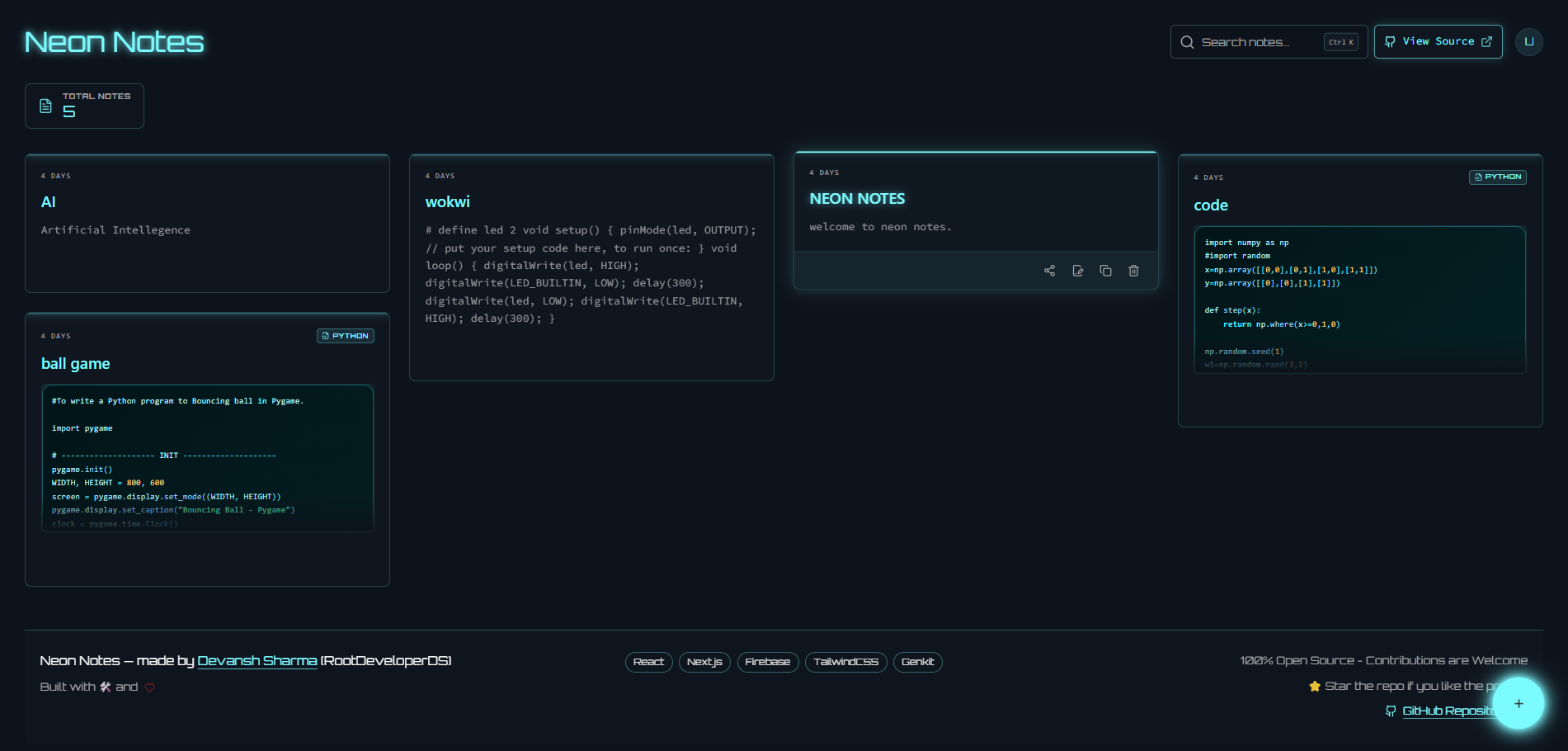
Unlike traditional note-taking apps, Neon Notes is designed around public computer security.
✔ Zero-trust session model
✔ Fast code snippet workflow
✔ Auto logout protection
✔ Cloud synchronization
✔ Developer-first interface
✔ Futuristic cyberpunk design
Neon Notes is built around one principle:
"Your primary account should never be the price you pay for quickly saving code."
The application assumes every shared computer is untrusted and prioritizes secure, frictionless note-taking for developers.
- Secure isolated login flow for shared/public systems
- Aggressive auto-logout after inactivity
- Dual-session authentication for public vs trusted devices with secure custom token handoff
- Smart code-first editor behavior for quick snippet handling
- Auto-detect syntax highlighting supporting 10+ programming languages powered by a robust code classifier
- Public Note Sharing Architecture with standalone read-only viewers and real-time dashboard sync
- Global Search Shortcut (Ctrl/Cmd + K) with transition animations
- Multi-theme support including Cyberpunk and System preferences
- Responsive UI optimized for both desktop and mobile layouts
- Real-time cloud-backed notes with Firebase integration
- Zero-trust authentication
- Public computer mode
- Trusted device mode
- Session isolation
- Idle timeout
- Firebase Authentication
- Firestore Security Rules
- Login Page:
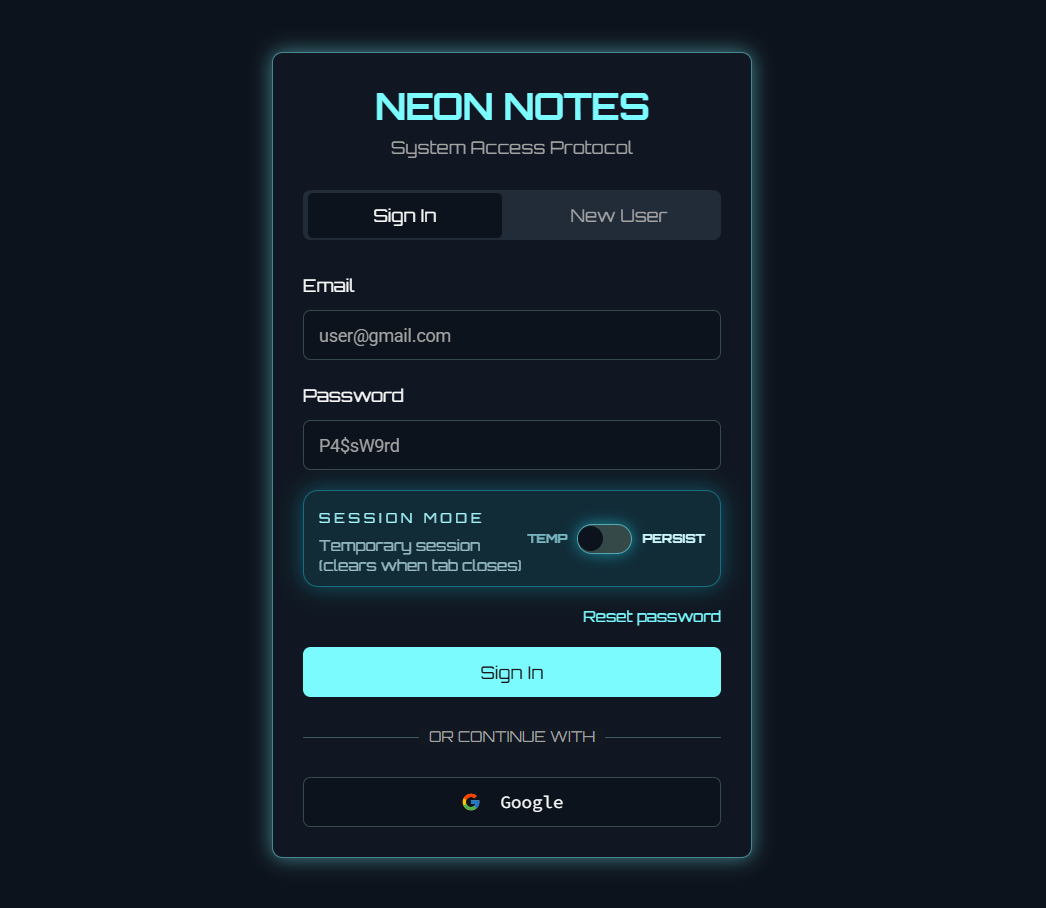
- Dashboard:
- Note Editor:
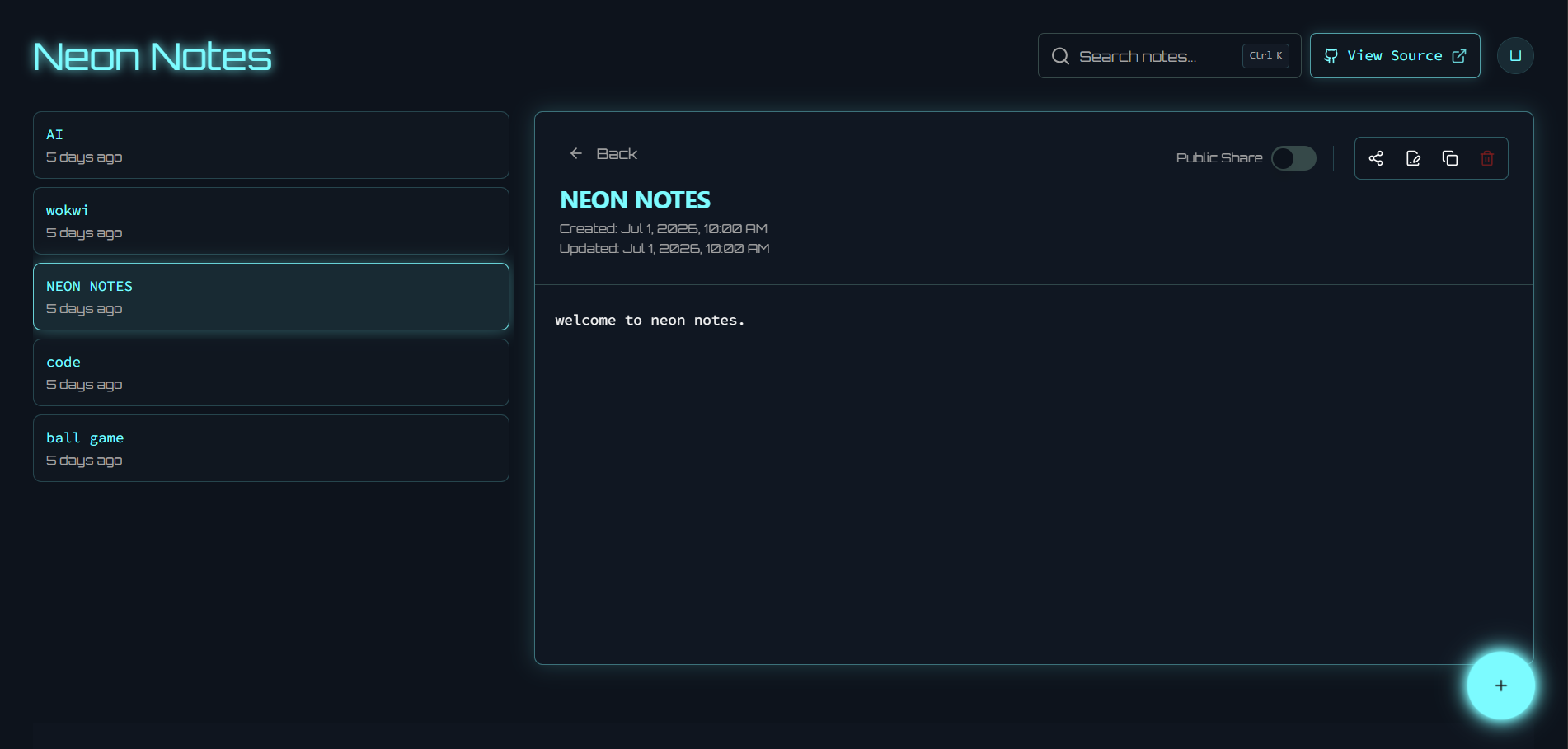
- Mobile View:
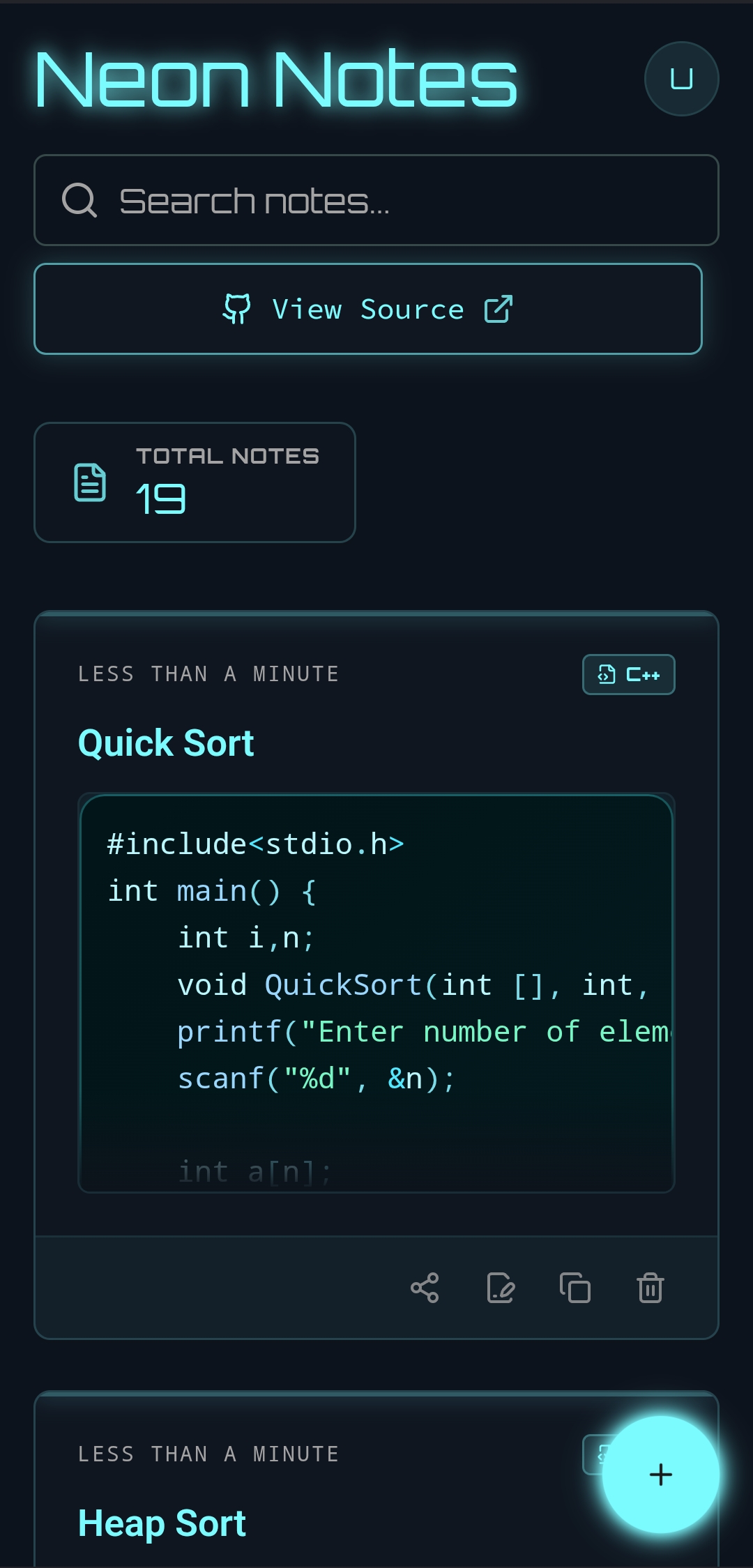
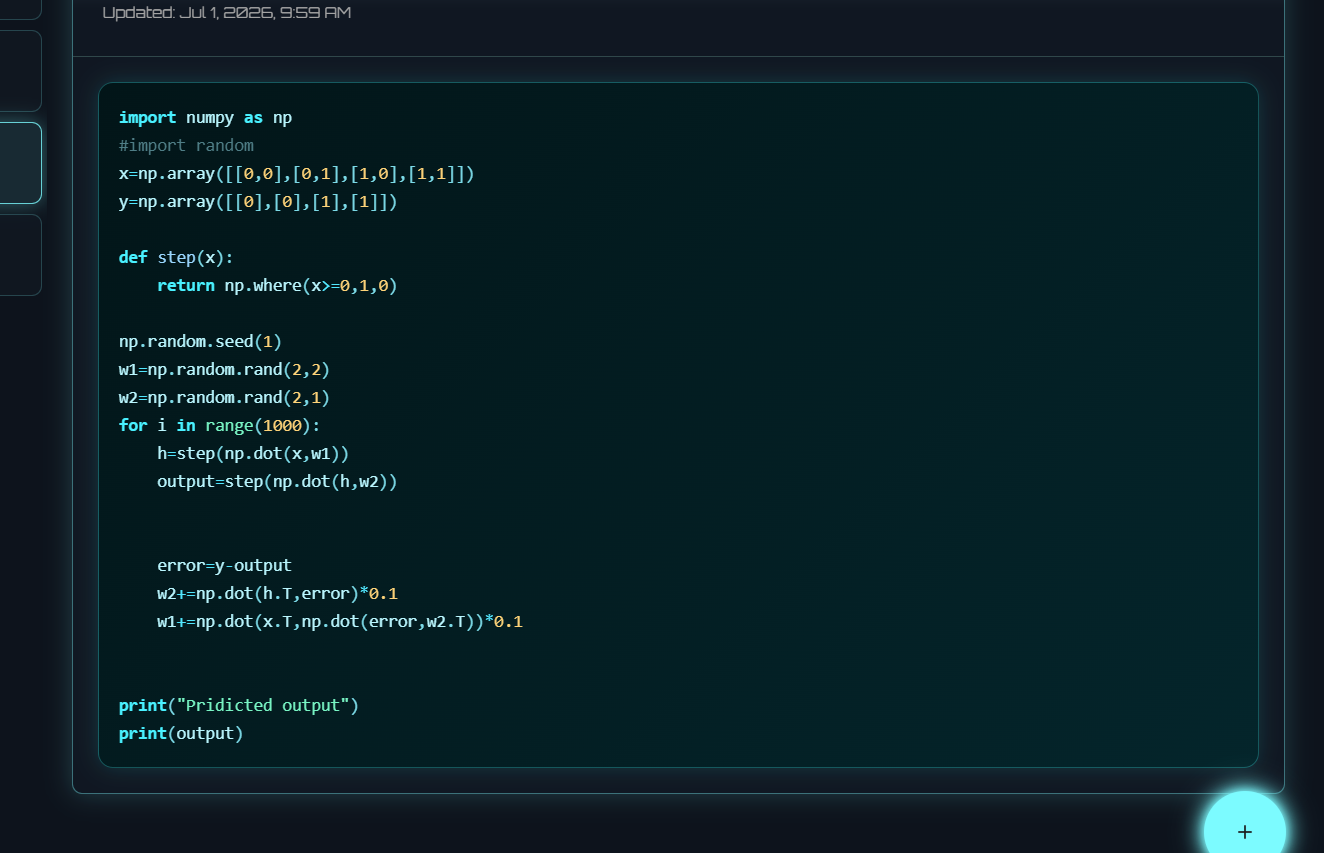
- Syntax Highlighting:
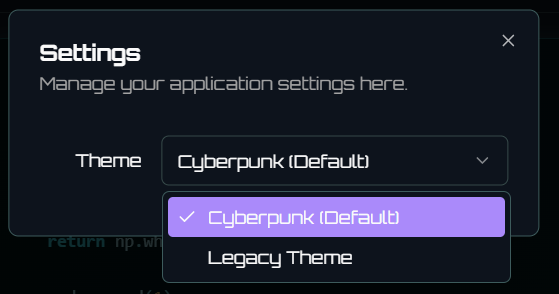
- Settings:
Browser
   │
   ▼
Next.js
   │
   ▼
Firebase Authentication
   │
   ▼
Firestore
- Authentication & Custom Token Security
- Cloud Sync
- Heuristic Code Classifier & Highlighting (10+ Languages)
- Mobile Responsive Optimization
- Keyboard Shortcuts (Ctrl/Cmd + K Global Search)
- Public Note Sharing Architecture (v11.0)
Upcoming
- Markdown Preview
- Folder Organization
- File Attachments
- AI Note Summaries
- Offline Mode (PWA)
- Version History
Neon Notes exists to solve a real security and UX problem in college computer labs.
Students often need to save programming code quickly, but logging into a primary Google/Gmail account on shared public hardware is risky and inefficient.
Neon Notes fixes this by offering:
- an isolated, low-risk login boundary
- a fast note workspace for coding sessions
- a practical way to save snippets instantly without exposing primary accounts
- A secure vault for saving, formatting, and copying programming code during lab sessions.
- Optimized for quick save → quick edit → quick copy workflow.
- A responsive general notepad for text notes, tasks, reminders, and quick thoughts.
- Accessible from any device with a clean and consistent experience.
Engineered a comprehensive architectural upgrade introducing public note sharing through standalone read-only viewers and real-time state synchronization. Refactored the authentication engine to deploy secure custom token verification, eliminating unsecured UID parameter queries and mitigating inactive session memory leaks. Polished application UX with custom Tailwind dark-mode theme selectors, interactive global search telemetry, and a multi-language heuristic classifier.
- Note Sharing & Public Access: Created
src/app/shared/[id]/page.tsxrouting for public, unauthenticated read-only access to specific notes. Modified components to ingest, mutate, and render the optionalisPublicflag. EnhancedNotesDashboard.tsxto reactively capture and update the viewer panel state. Upgraded asynchronous clipboard operations with robust error handling. - Heuristic Code Classifier & Highlighting Engine: Developed custom regex heuristics mapping 10 programming languages. Optimized regex match boundaries for global namespaces to eliminate false-positives. Configured code fence parser regex to correctly process special character language tags (e.g., C++). Integrated
prism-cfor rich syntax highlighting inNoteCodeBlock.tsxandNoteModal.tsx. - Authentication & Session Persistence: Integrated secure token handoff backend endpoint (
/api/verify_uid_return_customtoken_for_neon_notes). Engineered dynamic token updates inapi-client.ts, replacing legacy token management. SandboxedsessionStorageaccesses to prevent incognito script crashes and resolved active auth listener memory leaks in the URL authentication lifecycle. - Theme Engine & UI/UX Optimizations: Decoupled legacy theme code into a centralized
theme-provider.tsx. Configured Tailwind custom selectors to support class-based dark overrides (.legacy,.cyberpunk). Developed a customizable settings dialog with fallback modes. Added visual polish to toast notifications (backdrop-blur-md, top-center positioning,2500msauto-dismiss) and embeddedCtrl/Cmd + Ksearch focus hooks. - Bug Fixes & Stability: Fixed
activeUidupdates inuse-auth.tsxfor custom token logins to prevent dashboard sync issues. Pruned deprecated packagefluorite. Purged unused import references and dead code across components.
- Client-side idle detection now destroys the session after 15 minutes of inactivity.
- Helps protect forgotten sessions on lab computers.
- Dynamic token routing based on trust level:
- Default: temporary
sessionStoragefor shared/public devices - Optional: persistent
localStorage/ cookie session when Trust this device is enabled
- Default: temporary
- Supports a zero-trust default without hurting personal-device usability.
- Heuristic classifier auto-detects JavaScript, TypeScript, Python, C++, Java, C#, Go, Rust, PHP, and Ruby.
- Applies read-only syntax highlighting without heavy editor-library overhead.
- Framework: Next.js (App Router), React, TypeScript
- Styling: Tailwind CSS, ShadCN UI
- Backend: Firebase Authentication, Firestore
- Zero-trust security mindset for shared-machine environments
- Strict session lifecycle management with inactivity kill switch
- Performance-focused rendering in React/Next.js
- Lean client behavior to keep UX fast and predictable
- Node.js (18+ recommended)
- npm
git clone https://github.com/RootDeveloperDS/MY-NEON-NOTES.git
cd MY-NEON-NOTESnpm installCreate .env.local:
NEXT_PUBLIC_FIREBASE_API_KEY=your-api-key
NEXT_PUBLIC_FIREBASE_AUTH_DOMAIN=your-auth-domain
NEXT_PUBLIC_FIREBASE_PROJECT_ID=your-project-id
NEXT_PUBLIC_FIREBASE_STORAGE_BUCKET=your-storage-bucket
NEXT_PUBLIC_FIREBASE_MESSAGING_SENDER_ID=your-messaging-sender-id
NEXT_PUBLIC_FIREBASE_APP_ID=your-app-idnpm run devOpen: http://localhost:3000
npm run dev
npm run build
npm run start
npm run typecheckMY-NEON-NOTES/
├─ public/ # Static assets
├─ src/
│ ├─ app/ # Next.js App Router pages/layouts
│ ├─ components/ # Reusable UI + feature components
│ ├─ lib/ # Shared utilities (including Firebase setup)
│ └─ ai/ # AI/Genkit related modules
├─ README.md
├─ package.json
└─ next.config.ts
Neon Notes is an open-source project.
You can use it, improve it, and adapt it for your own workflows.
Contributions are welcome and appreciated.
- Fork the repository
- Create your branch (
feature/your-feature-name) - Commit your changes
- Open a Pull Request with clear context
Please keep changes focused, tested, and easy to review.
MIT License
Made with ❤️ by rootdeveloper — Devansh Sharma.