MDE is a Visual Studio Code extension developed to integrate a cross-platform UI with The Macroassembler AS.
The purpose of this extension is primarily for Sega Mega Drive homebrew development. It also supports Sonic Disassemblies and aims to bring a familiar UI to fellow Sonic ROM hackers.
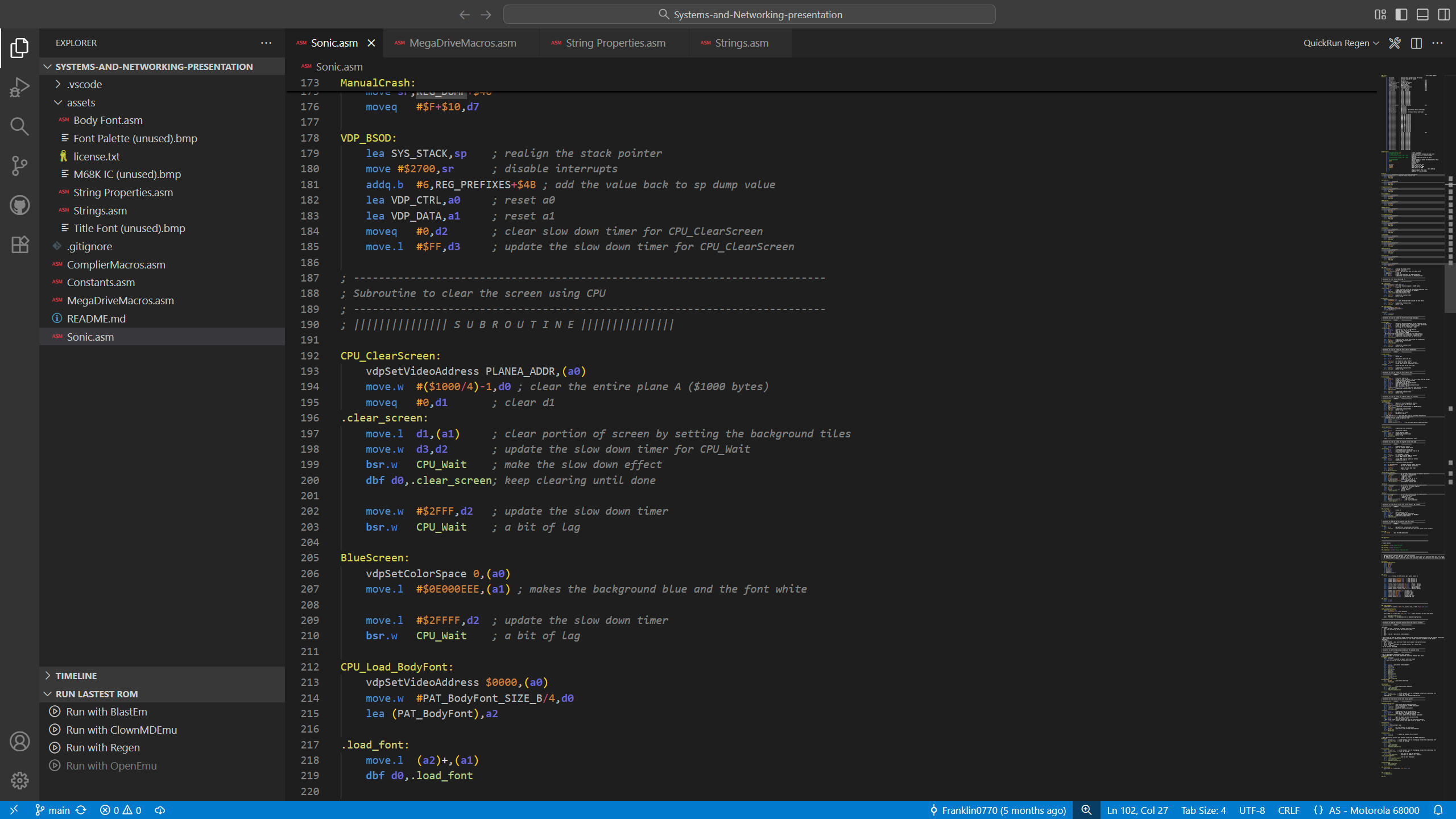
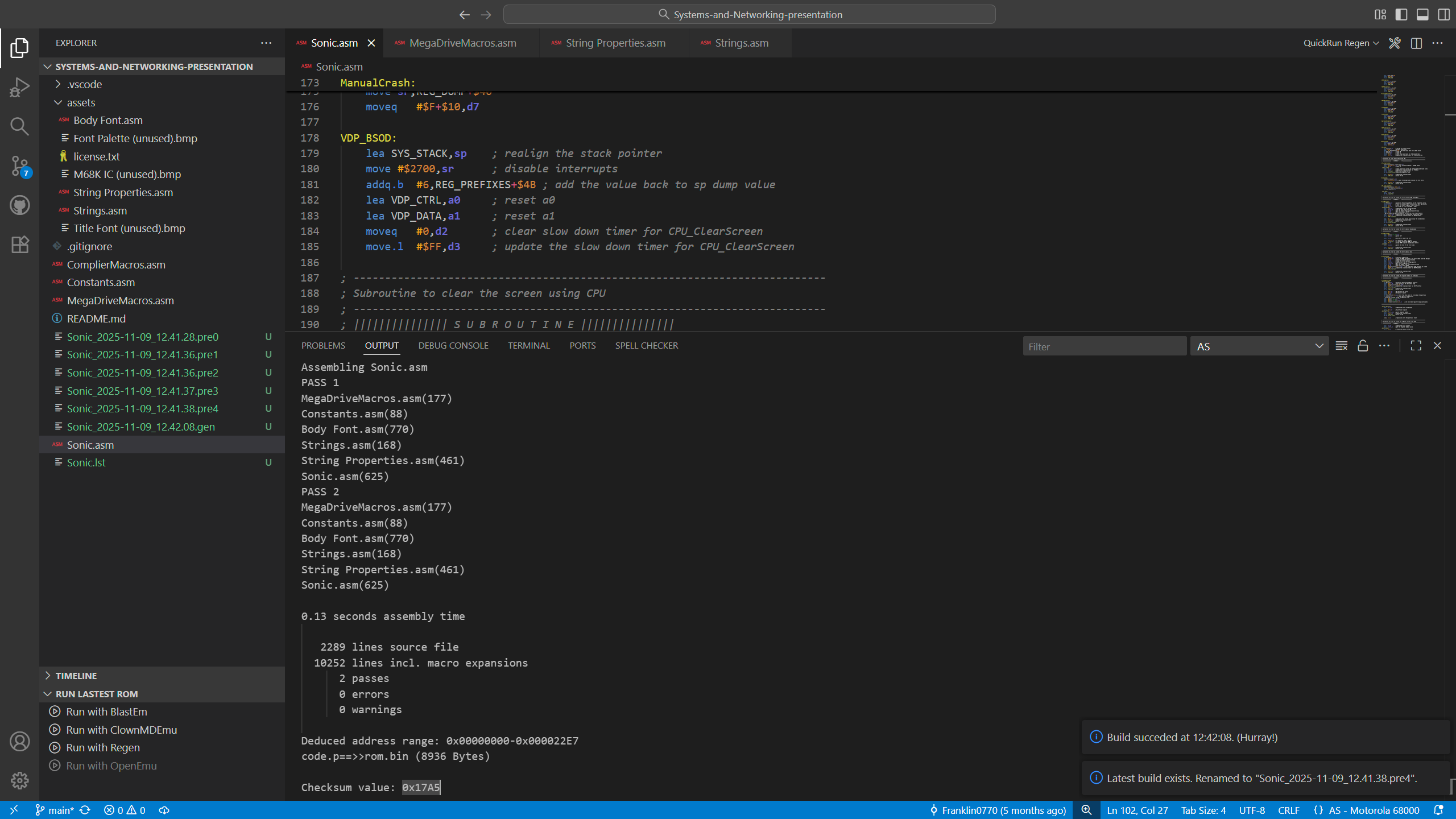
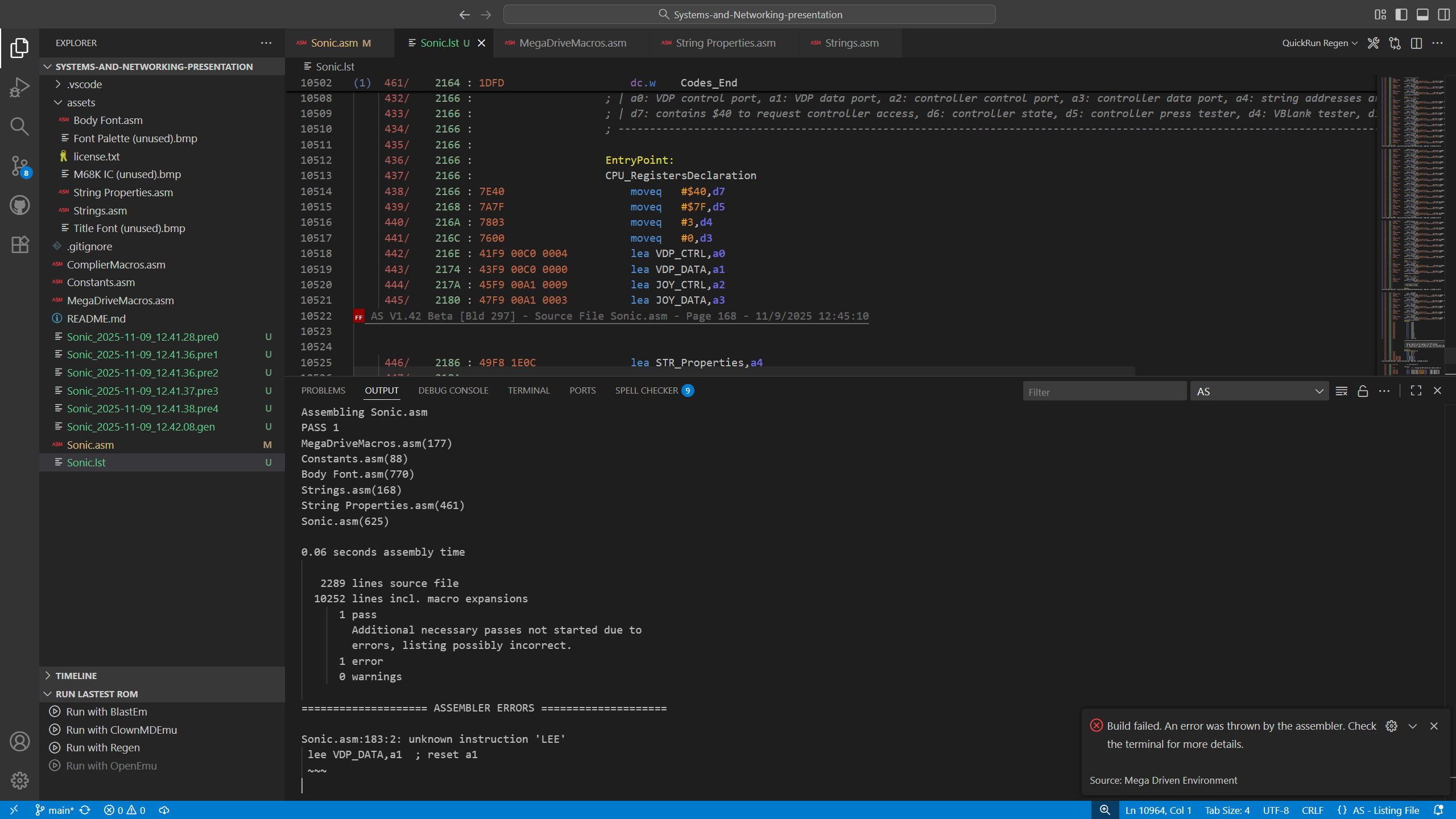
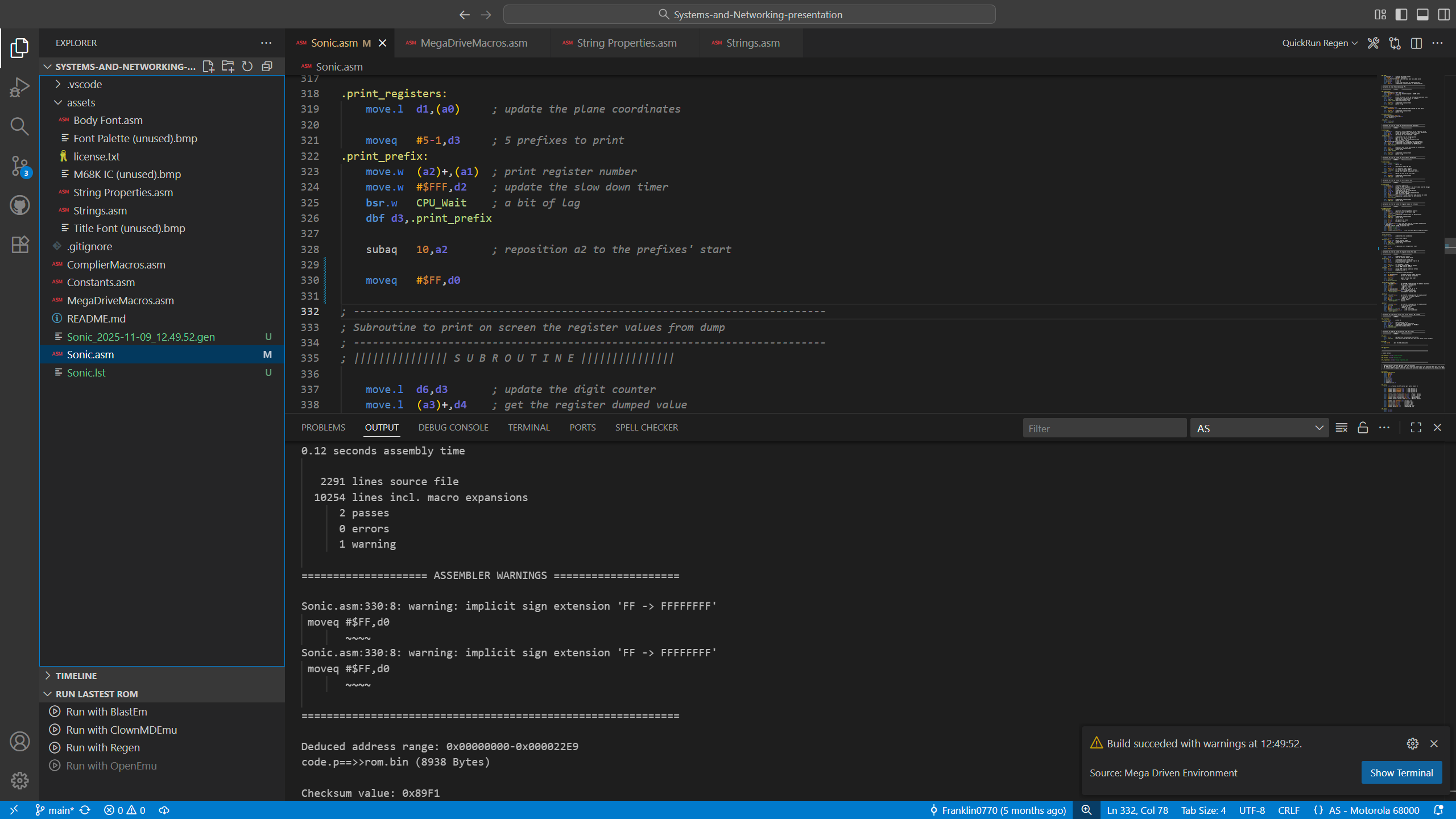
- Assemble files and produce a ROM output in various ways;
- Make use of some basic versioning, useful for producing multiple builds and be able to distinguish between them;
- Gain speedy productivity from shortcuts to manage and organise your project folder;
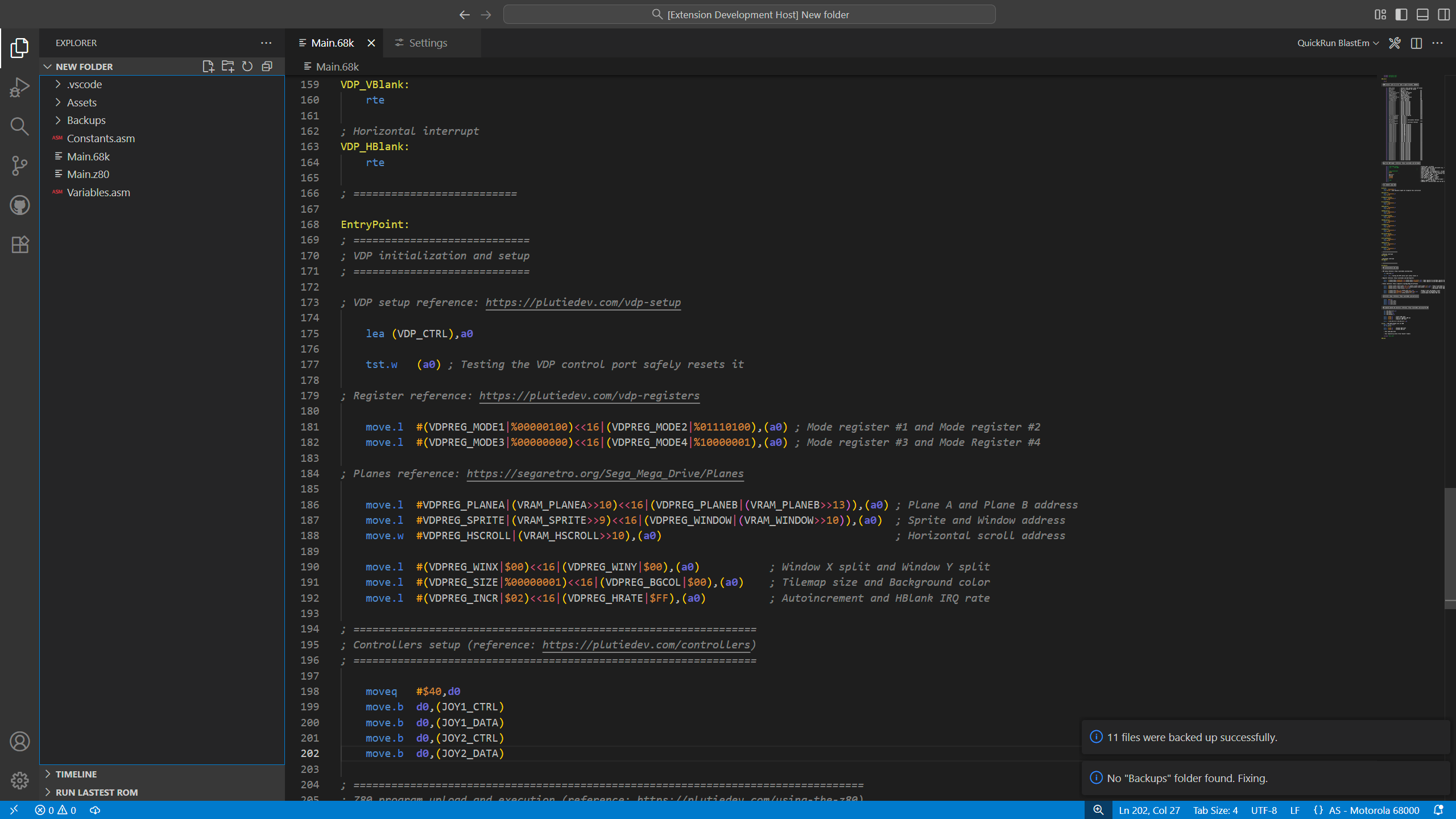
- Backup your project quickly, too;
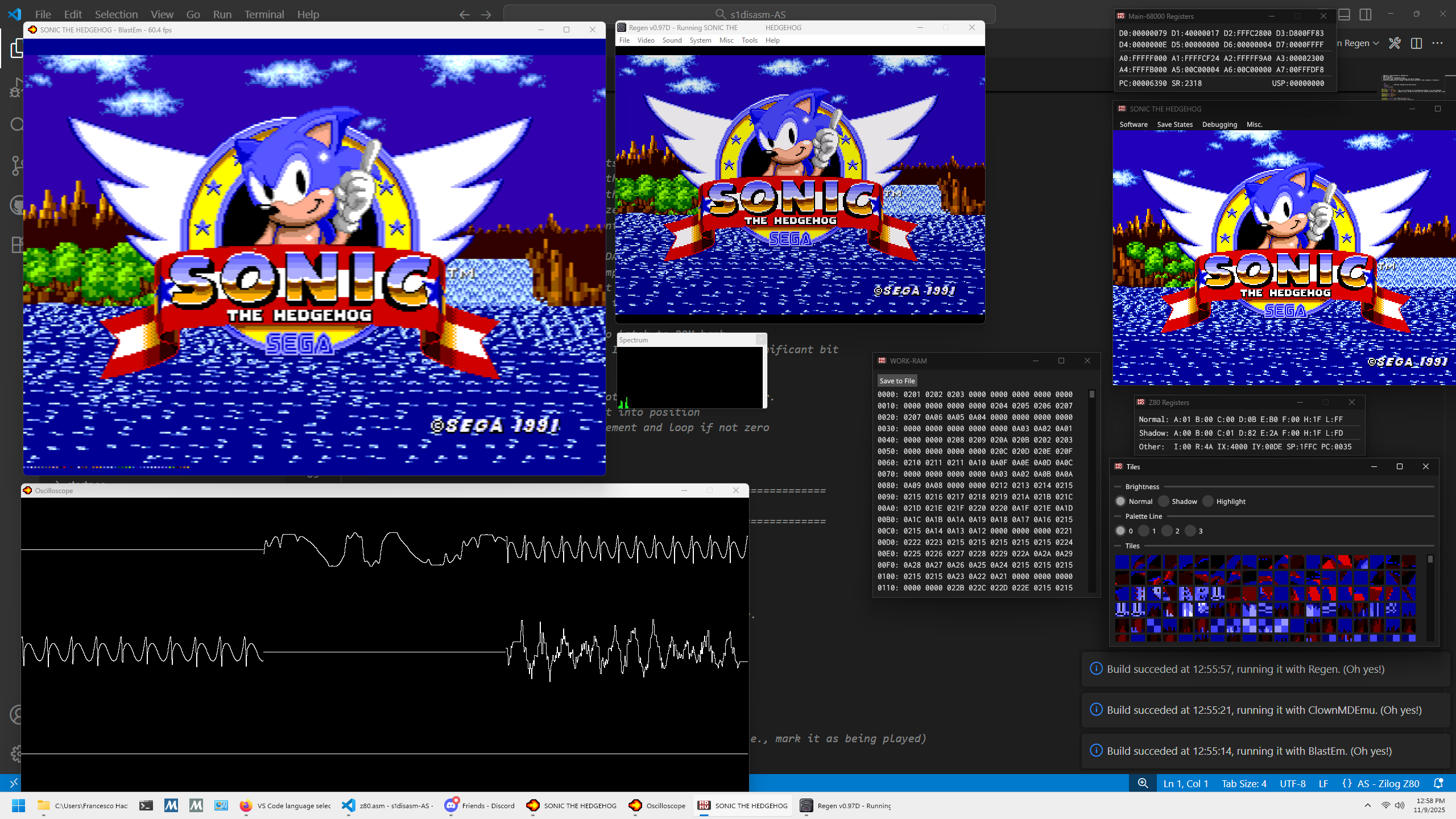
- Run ROMs with emulators with one click;
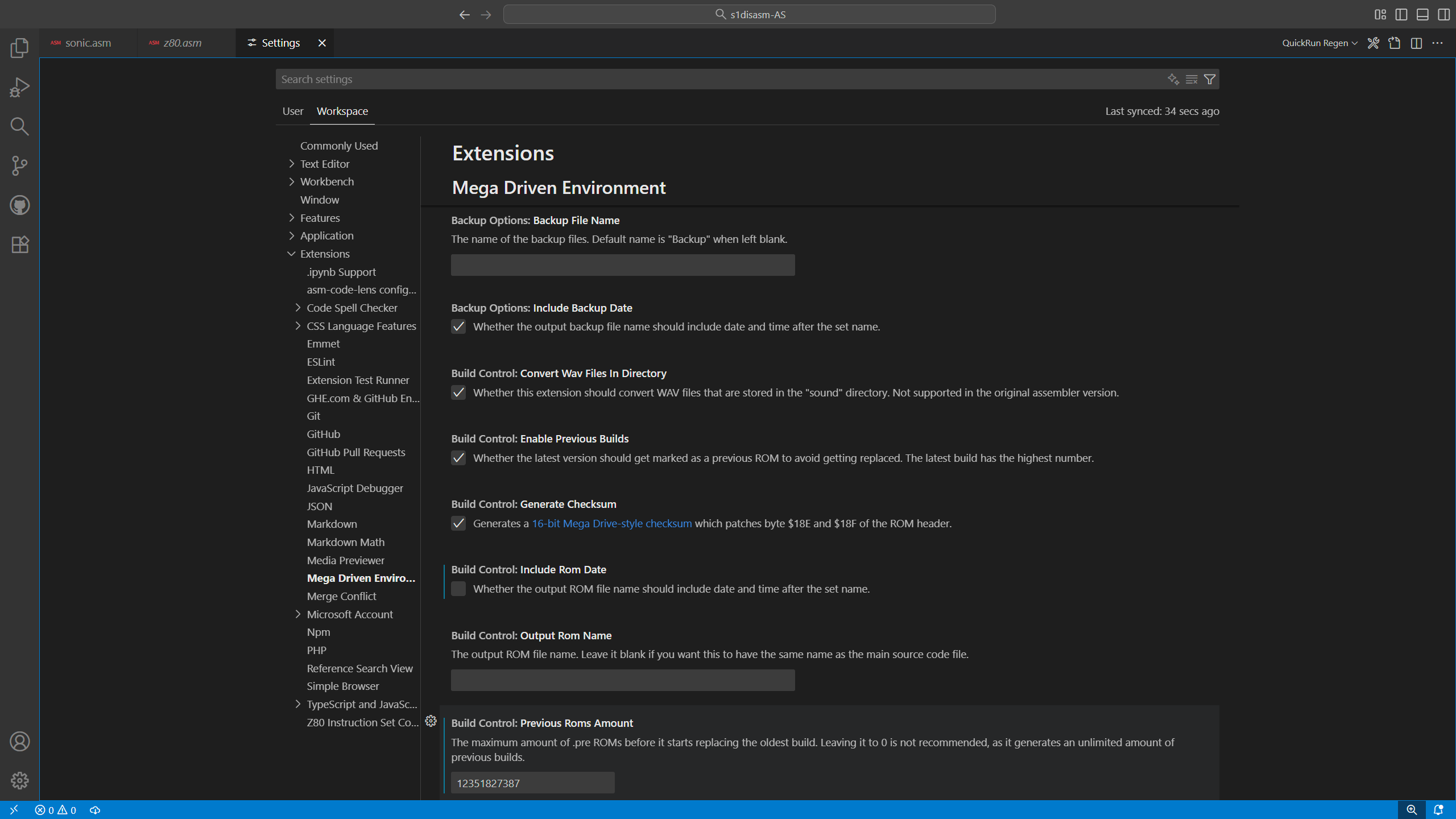
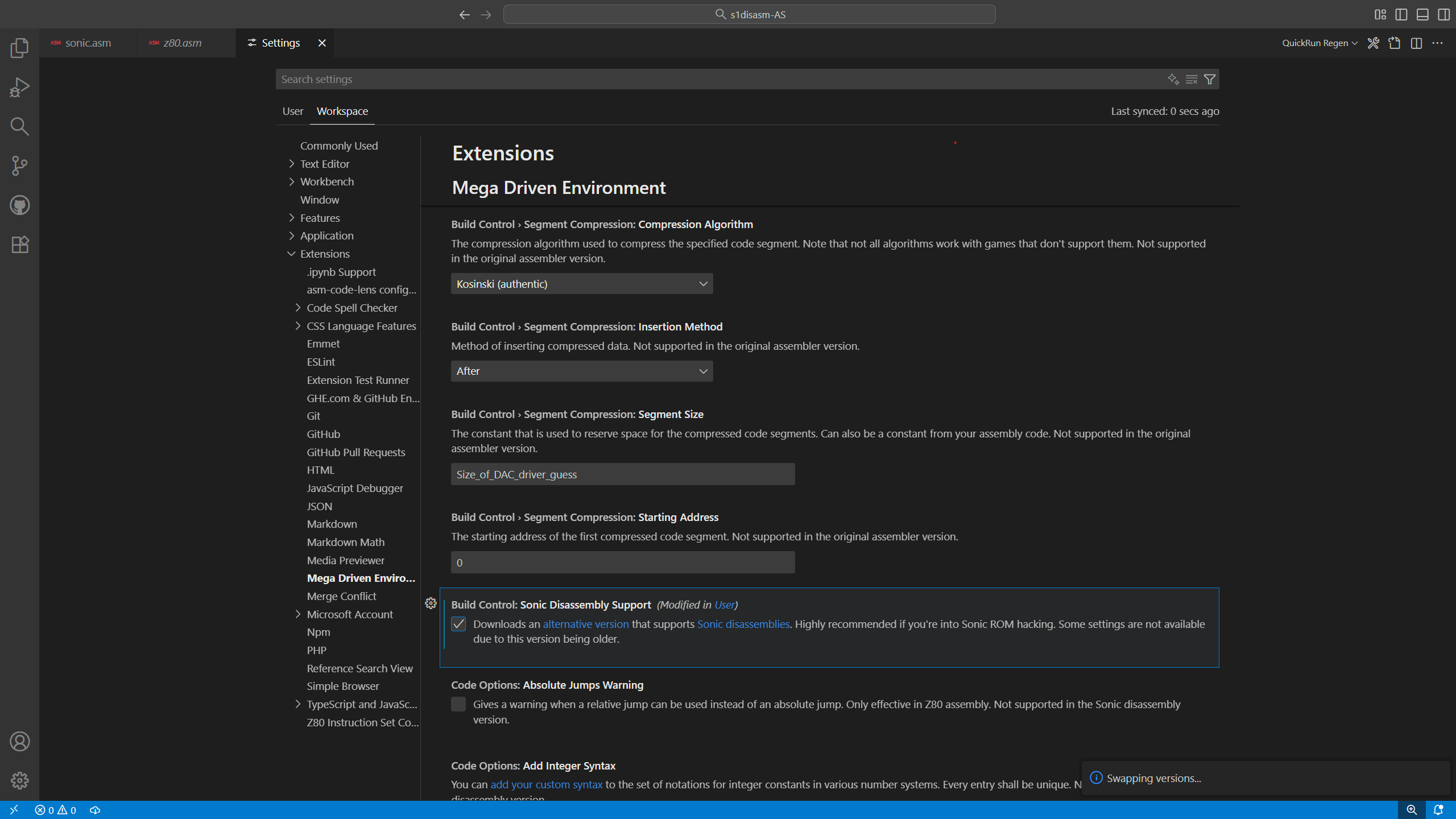
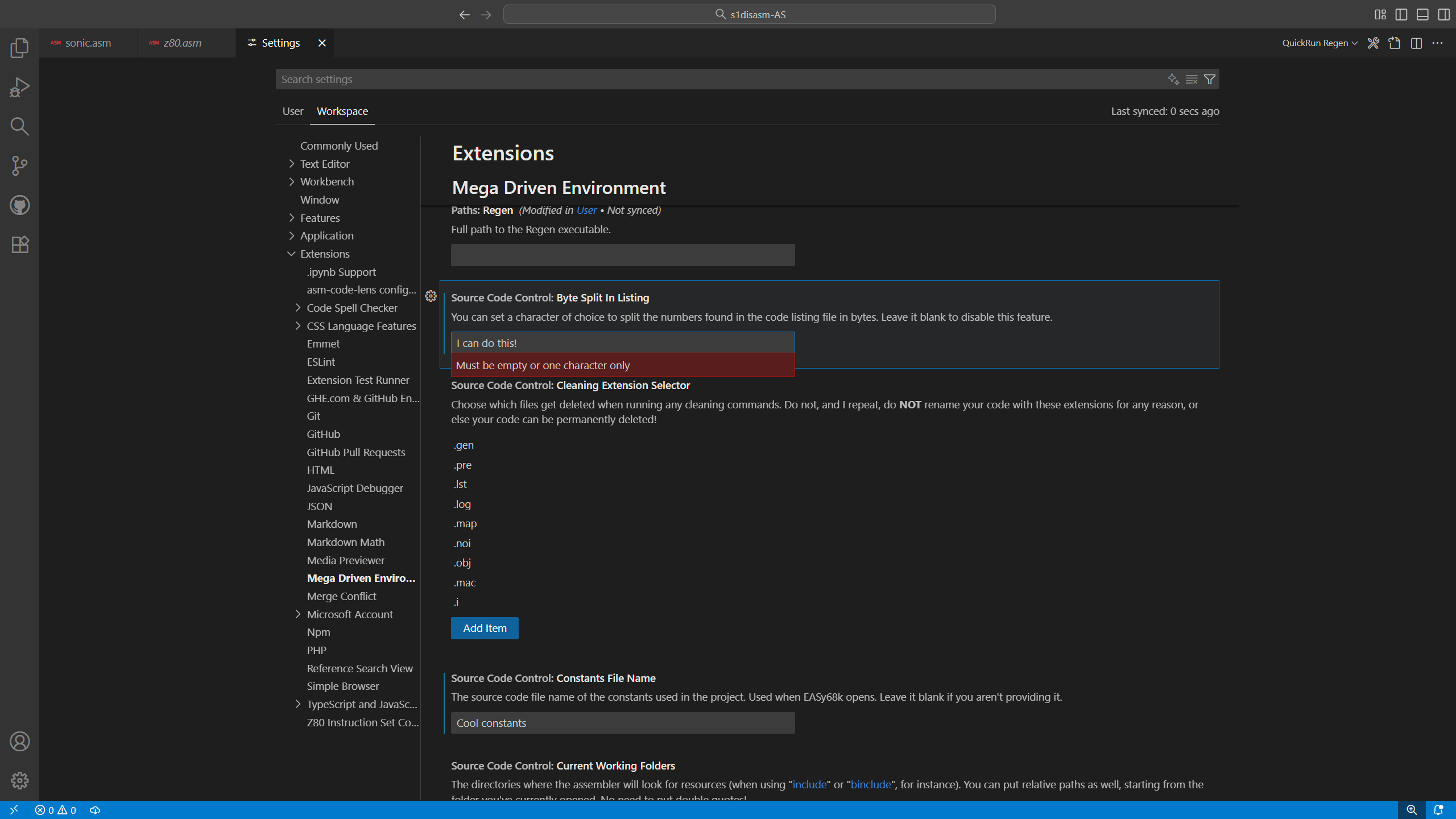
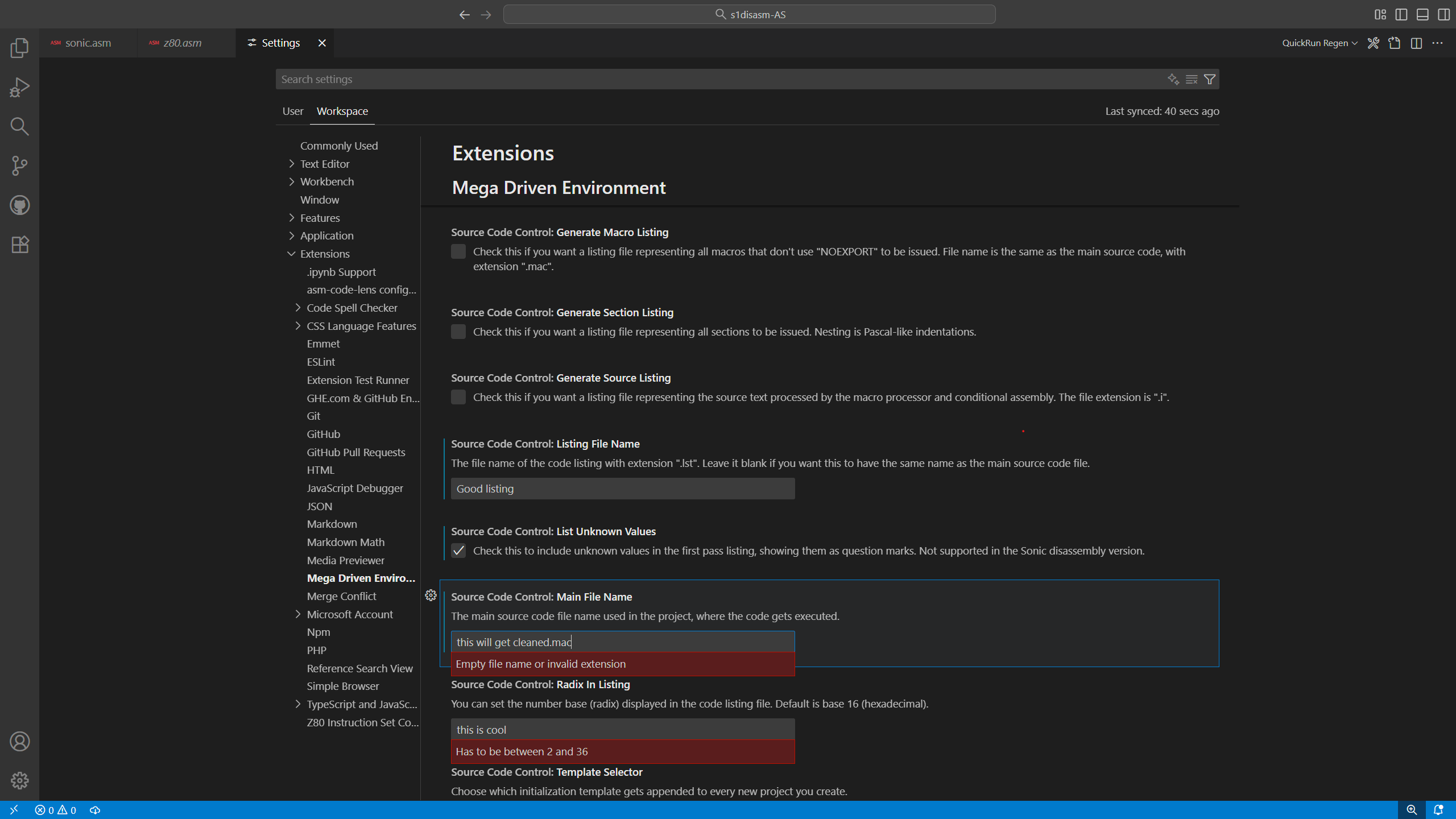
- Utilize nearly every option available of the assembler, using the UI-friendly settings screen of VS Code;
- Avoid to include build tools or such, the extension downloads the necessary files to compile;
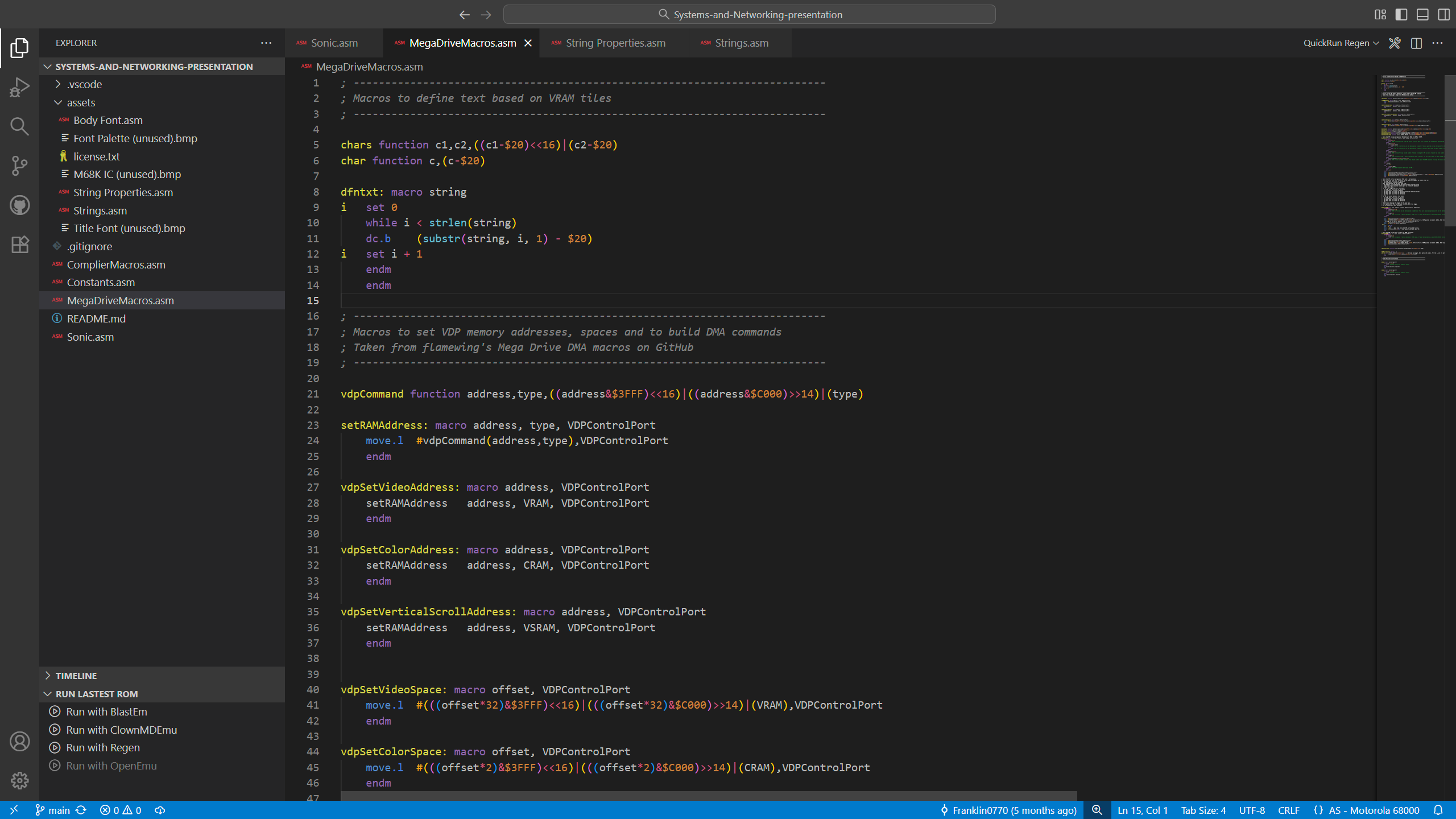
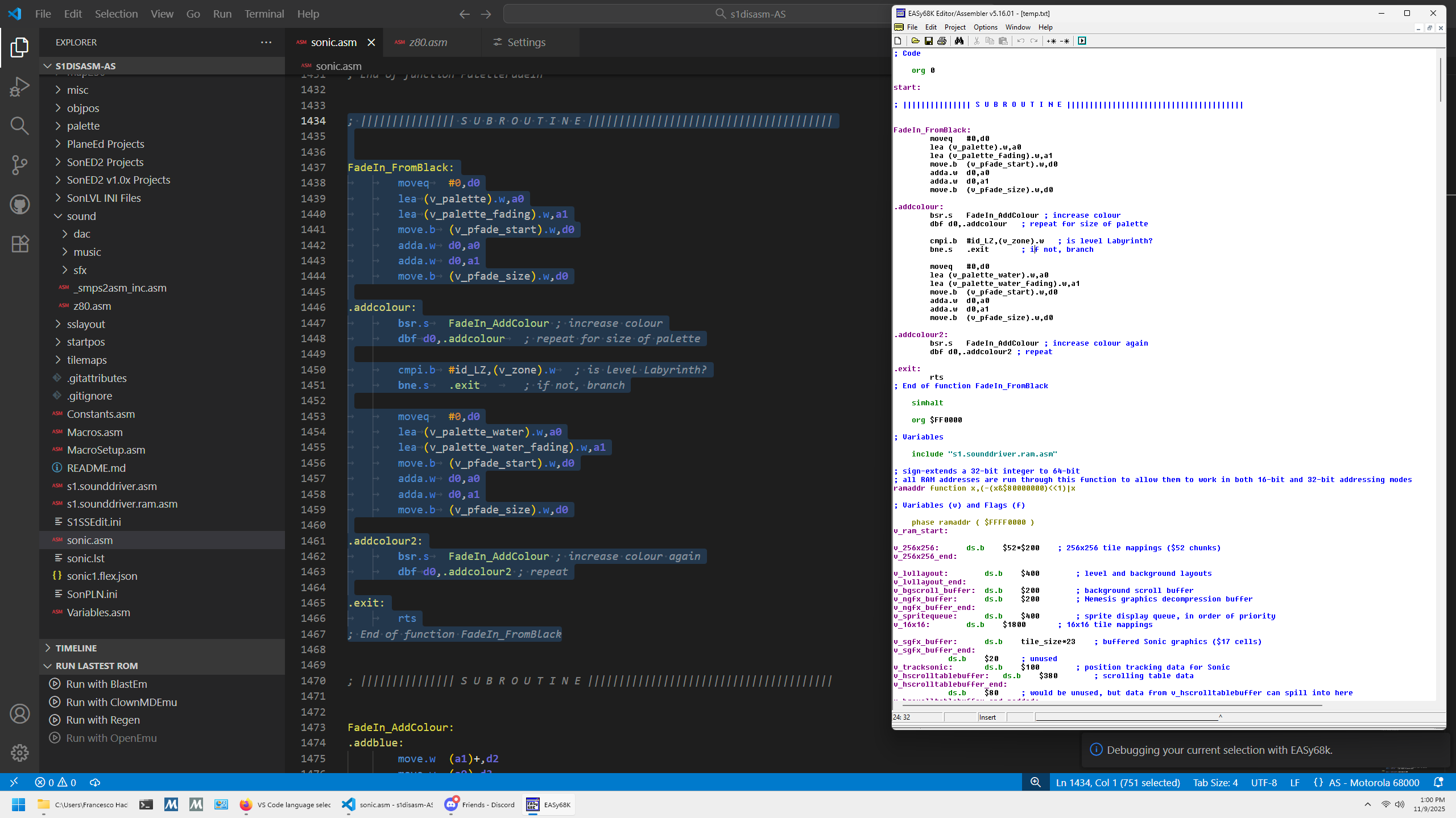
- Highlight 68k and Z80 code, with two supported VS themes (Dark and Sonic Disassembly);
- Enjoy basic autocompletion, indentation and other integrated VS Code features.
You can check this tutorial out if you don't know much about VS extensions.
First of all, make sure you have Node.js installed. Git is recommended if you want to clone this repository.
To clone this repository (so you have Git's convenient source control and versioning) in a folder, type this in your terminal:
cd <folder where you want to clone>
git clone https://github.com/Franklin0770/megaenvironment.git
Then, after installing Node, you must get the node modules by issuing the following command:
cd megaenvironment
npm install
This way you have all the packages you need (including VS Code API and Adm-Zip).
Now that you're almost done, you'll want to compile the extension, so you can run it and do all of the experimentation you want by yourself:
cd megaenvironment
npm run compile
After done compiling, you should see an "out" folder. This contains all of your compiled code in JavaScript.
To publish it as an installable extension for VS Code, you should package it by doing so:
cd megaenvironment
vsce package
This command will output your freshly packaged VSIX, ready to be installed in VS Code.
The assembler and compiler: http://john.ccac.rwth-aachen.de:8000/as/
How I learnt to make this extension: https://code.visualstudio.com/api/get-started/your-first-extension
This is were the files are downloaded from: https://github.com/Franklin0770/AS-releases.git
So, originally, I didn't have any plans on creating such a complex piece of software like this. It was intended to be written in LUA (just like Sonic disassemblies scripts to compile code), to simplify the creation of a Mega Drive homebrew project I'm working on right at this moment (this is also why I won't put 100% of my energies here). Then I decided that VS Code's integration would have opened the possibility to make a decent UI. As a matter of fact, if you hop on GitHub and take a look at the branches of this project, you can see there's an extremely early version that was rewritten shortly after the LUA conversion. Very much incomplete, huh? At this point, I started to get a little crazy with adding features, until this extension became so big that I couldn't keep it just for myself. This is why Mega Driven Environment exists in the first place, to help whoever is in search of a better Mega Drive coding environment. Don't get me wrong, there could be some rough edges, but we should also consider this is my first program that contributes to the community. I hope this suits your needs! Have a good time while you assemble your next Mega Drive project!
I've just found out it has been more than a year of development since the first release... time flies!